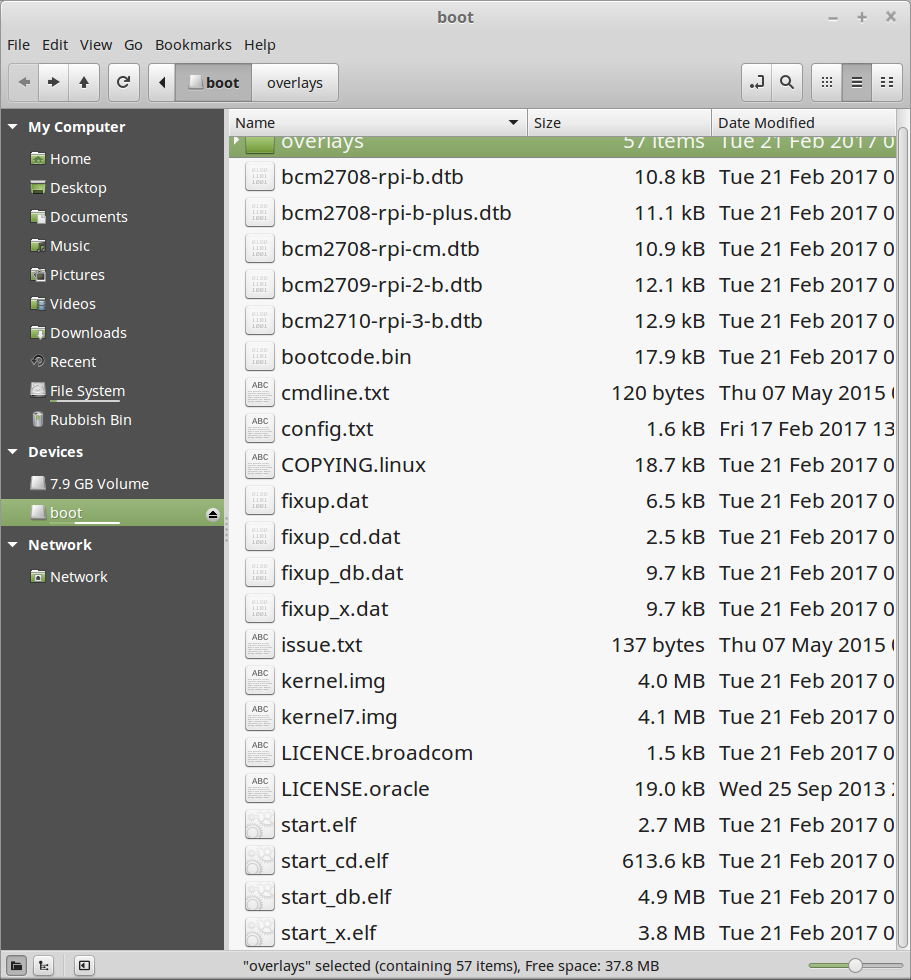
I recently updated my Picams to the latest Raspbian firmware after a camera module change, using:
sudo rpi-update
Once updated and working, complete with changed passwords etc. it is inconvenient to bring these units down physically to take the card out - one is in the garage - to DD clone the micro SD card images locally, so send the image direct from the working camera instead using netcat.
Get the IP of the target server:
ifconfig
eth0 Link encap:Ethernet HWaddr 00:23:54:3a:eb:9a inet addr:192.168.1.15
Use netcat to send the images over your net by setting up a listening server FIRST - any port number you like - on the target where the image is to be saved e.g:
sudo apt install pv
stevee@hppavmint ~ $ netcat -l -p 9000 | pv | dd of=pi.image
Then ssh into the Pi and send the full bootable SD card image after you know the device id:
stevee@pirear ~ $ sudo fdisk -l
[sudo] password for stevee:
Disk /dev/mmcblk0: 7948 MB, 7948206080 bytes
stevee@pirear ~ $ sudo dd if=/dev/mmcblk0 | netcat 192.168.1.15 9000
[sudo] password for stevee:
Check on progress periodically in a third terminal to see the image grow:
netcat -l -p 9000 | pv | dd of=piroad.img
533MB 0:03:23 [3.32MB/s]
stevee@hppavmint ~ $ ll piroad.img
-rw-r--r-- 1 stevee stevee 6355204096 Feb 22 09:06 pi.image
When done, you see the summary on the Pi:
stevee@pirear ~ $ sudo dd if=/dev/mmcblk0 | netcat 192.168.1.5 9000
[sudo] password for stevee:
15523840+0 records in
15523840+0 records out
7948206080 bytes (7.9 GB) copied, 1009.06 s, 7.9 MB/s
It took 16 minutes.
As I named the image without a "typical" extension - even though Linux doesn't need one - (duh!) I'll rename it to Piroad.img so it is better recognised for future general *.img searches and in the GUI apps for creating new SD cards in future using USB Writer.
mv -v pi.image piroad.img
You can check it mounts locally with Disk Image Mounter: