My new sites - the Landing Page, Debian Admin and Electronics Stuff pages once functional, were tested initially in PageSpeed Insights to get a feel for performance jargon and some suggestions, then finding some things I needed to test in DevTools in Chrome (F12 key) and PageSpeed Insights.
Changing .png images to Webp and adding a favicon for different platforms as suggested from the summaries of Pagespeed and starting with those I could create without much trouble or knowledge, which were changing the book cover .png images on my Landing Page to webp using a free web converter.
Dev-Tools then also complained that my favicon.ico wasn't square - as it's circular - so I re-scanned it with the Win11 Snipping Tool rectangle mode:

Once all the required favicon types were generated for different platforms (Apple, Chrome etc) from the online converter tool, I uploaded the zip file to my site's cPanel and changed the HTML for each site to include these files and delete the .png images.
<link rel="apple-touch-icon" sizes="76x76" href="/favicon_package_v0.16/apple-touch-icon.png">
<link rel="icon" type="image/png" sizes="32x32" href="/favicon_package_v0.16/favicon-32x32.png">
<link rel="icon" type="image/png" sizes="16x16" href="/favicon_package_v0.16/favicon-16x16.png">
<!--<link rel="manifest" href="/favicon_package_v0.16/site.webmanifest">-->
<link rel="mask-icon" href="/favicon_package_v0.16/safari-pinned-tab.png" color="#5bbad5">
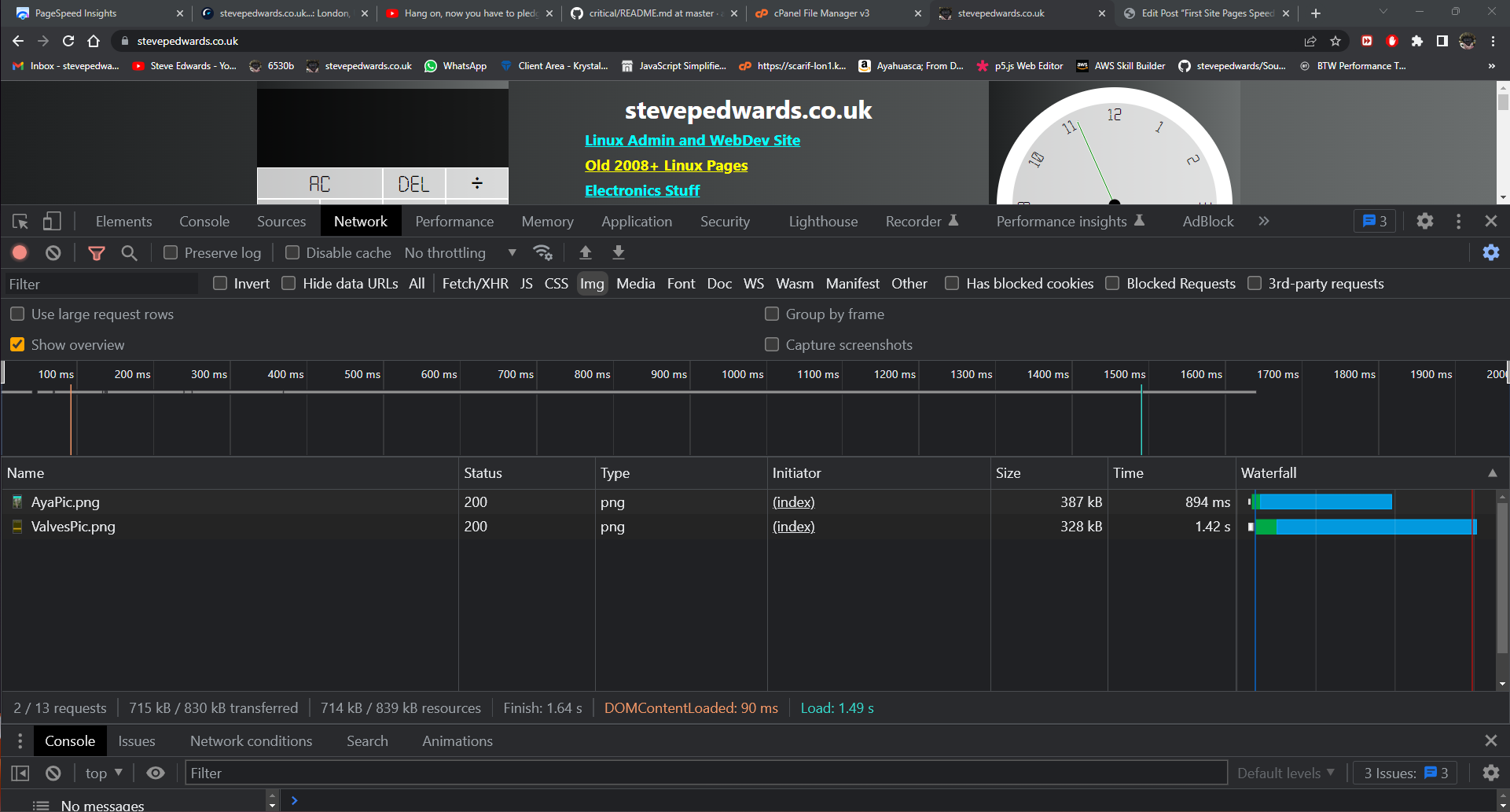
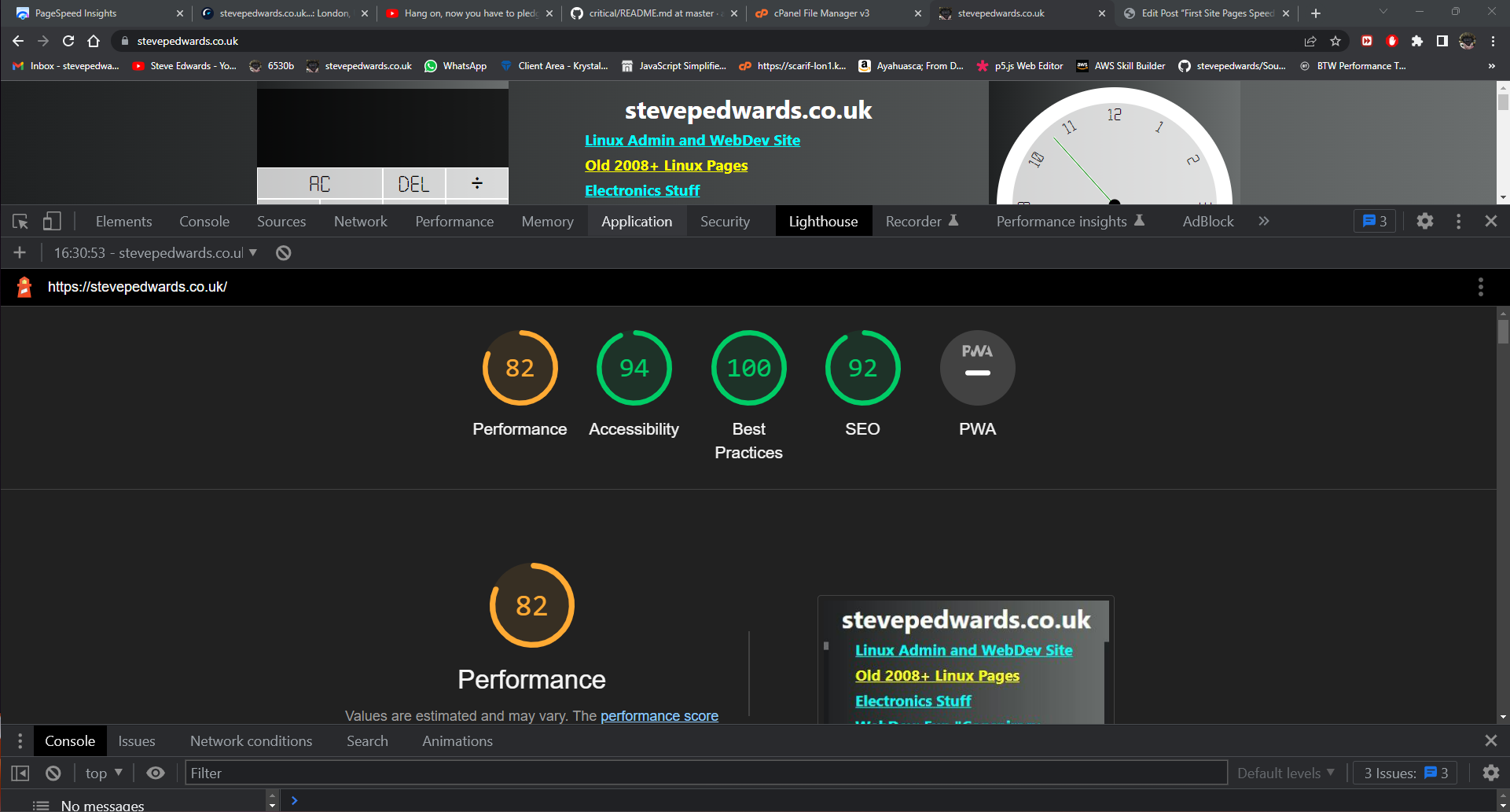
Before changing the HTML, I took Lighthouse Performance and Network load values in Chrome DevTools that showed load times for the .png images:
After changing the head HTML to include the new webp images to replaces the .png images and add a favicon:
<head>
    <meta charset="UTF-8">
    <meta http-equiv="X-UA-Compatible" content="IE=edge">
    <meta name="IT, WEB DEV, Javascript, programming, linux, admin, ubuntu, mint">
    <meta name="viewport" content="width=device-width, initial-scale=1.0">
    <title>Landing Page</title>
<link rel="apple-touch-icon" sizes="76x76" href="/favicon_package_v0.16/apple-touch-icon.png">
<link rel="icon" type="image/png" sizes="32x32" href="/favicon_package_v0.16/favicon-32x32.png">
<link rel="icon" type="image/png" sizes="16x16" href="/favicon_package_v0.16/favicon-16x16.png">
<!--<link rel="manifest" href="/favicon_package_v0.16/site.webmanifest">-->
<link rel="mask-icon" href="/favicon_package_v0.16/safari-pinned-tab.png" color="#5bbad5">
<meta name="msapplication-TileColor" content="#da532c">
<meta name="theme-color" content="#ffffff">
    <link rel="stylesheet" href="styles.css">
</head>
I re-ran the Lighthouse and Network tests in Incognito mode to prevent any prior cache issues affecting the results from before (cahcing is the biggest pain in the ass for web dev page testing - especially on a phone as you have to clear the damn cache in Android Chrome browser Settings EVERY page reload, as a refresh does not clear the page cache.)
The webp image results after:
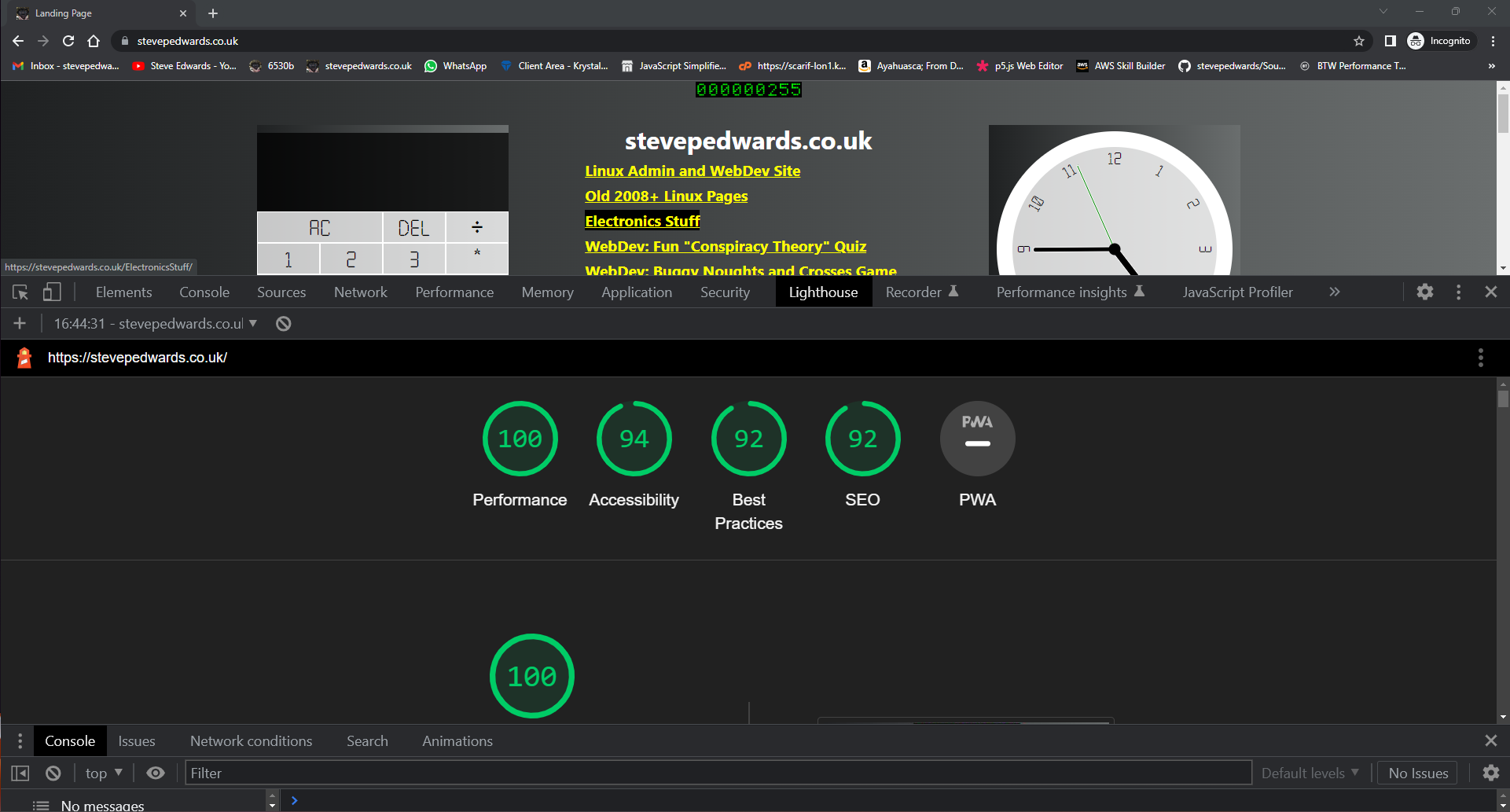
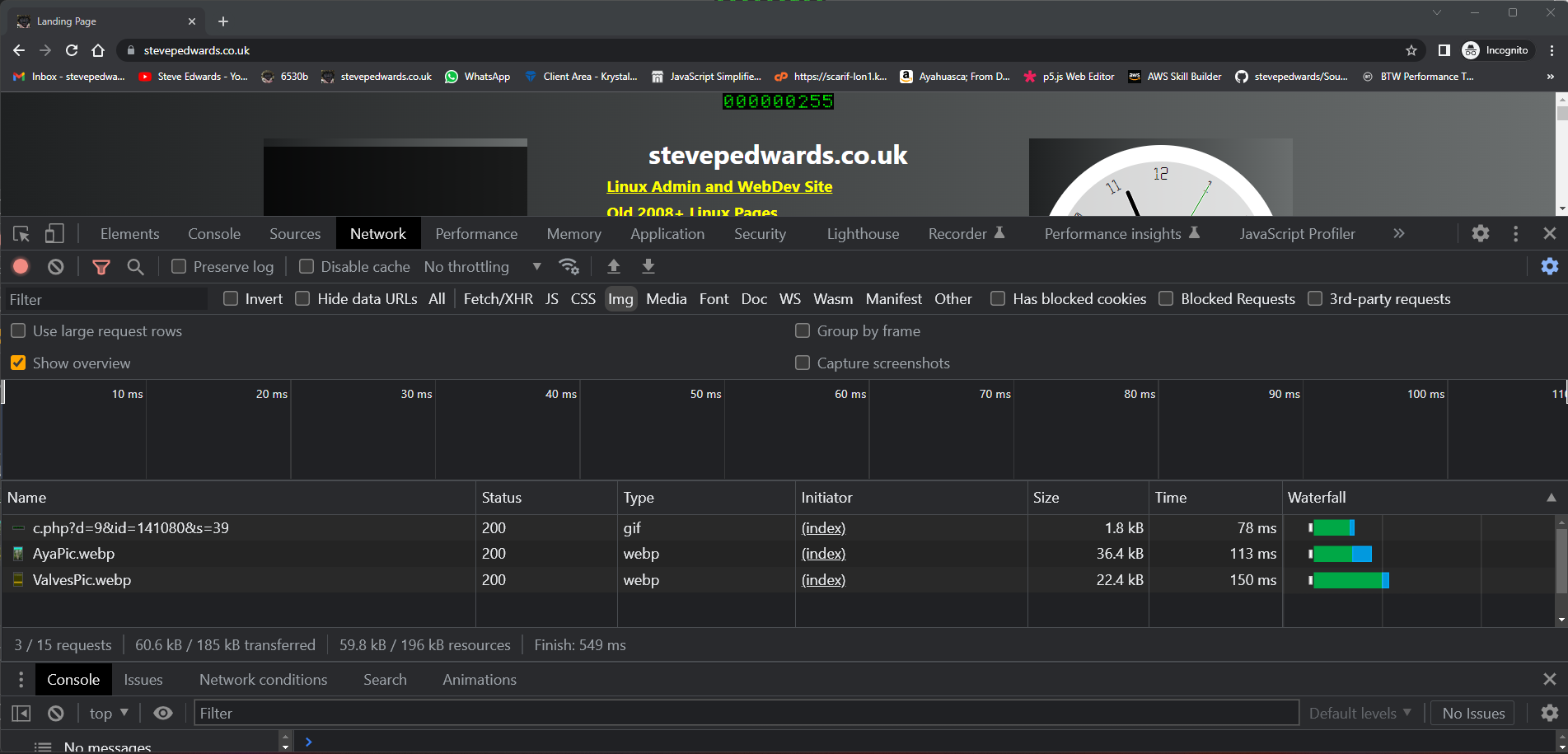
A performance increase, but best practices decrease!? The load times for the webp images are a huge decrease!
420msec to 150msecs for the Valves.png image over the .png!
This infers that it would be best to install a webp converter plugin such as I have de-activated at present in my sites. I'll find some pic laden page, take some Network load times, then switch in the webp Plugin and see the difference...this Post should be good as it has a monetised video also with many images to do some fault finding with.
Laney Klipp 100W Repair and Design Study – Part 1
Best to look at some initial faults too before starting, but I won't change http to http site wide using Better Search and Relace Plugin just yet, as I want to see the difference JUST the image changes from .jpg, .gif and .png files to webp that occur (if any?!) with the EWWW Image Optimizer Plugin.
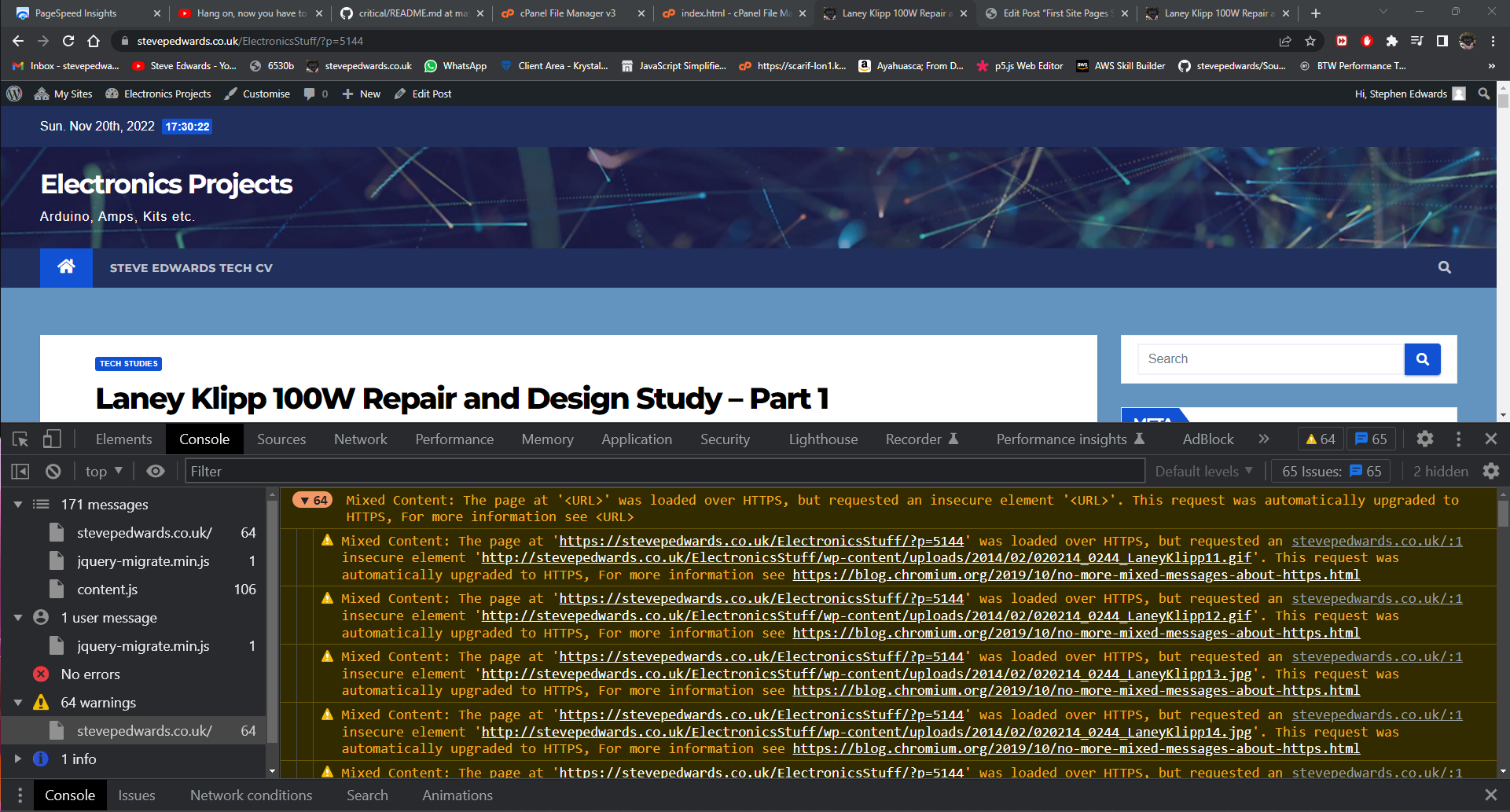
Now I'll check the Network load times:
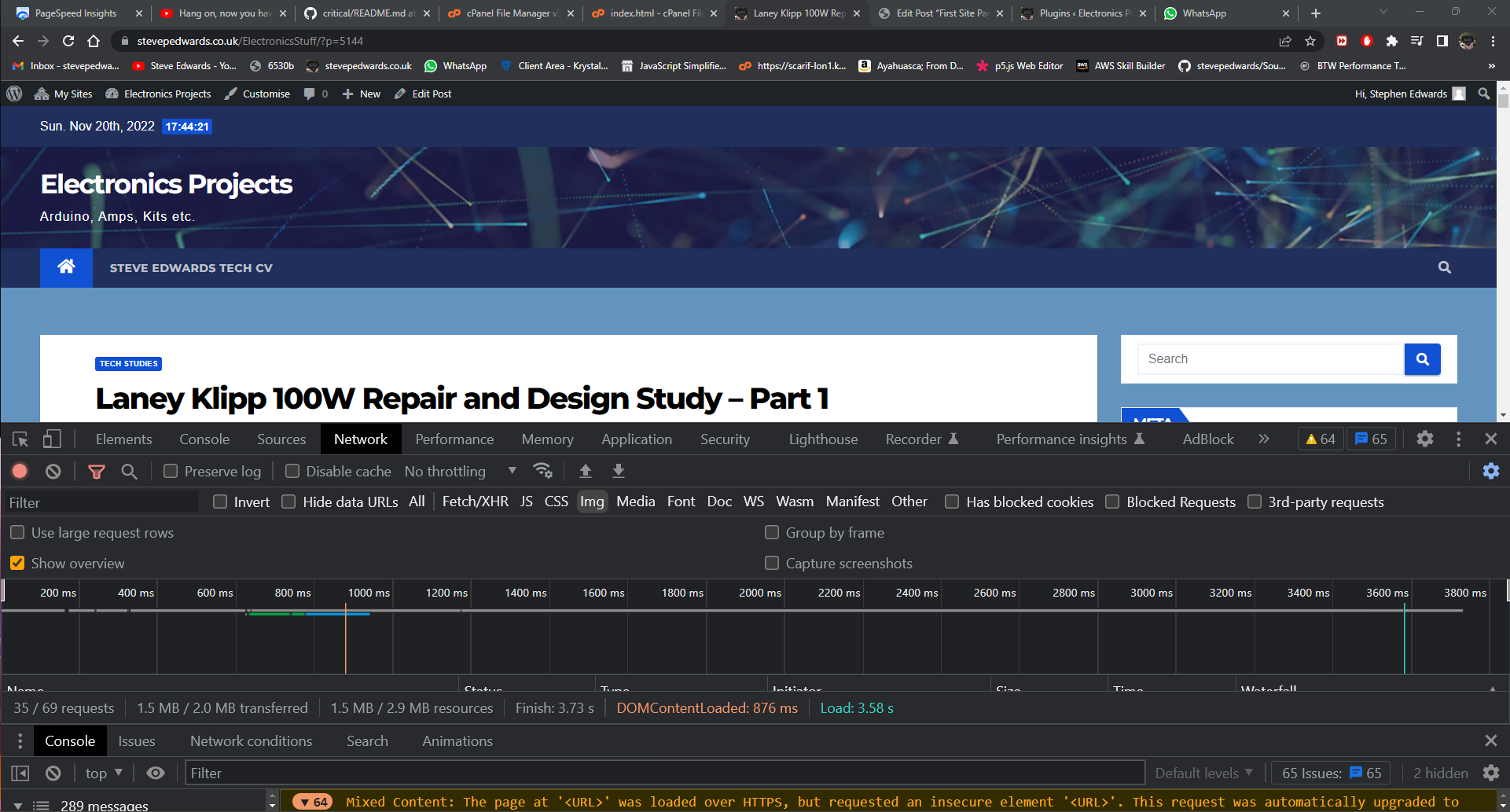
Load time 3.58secs.
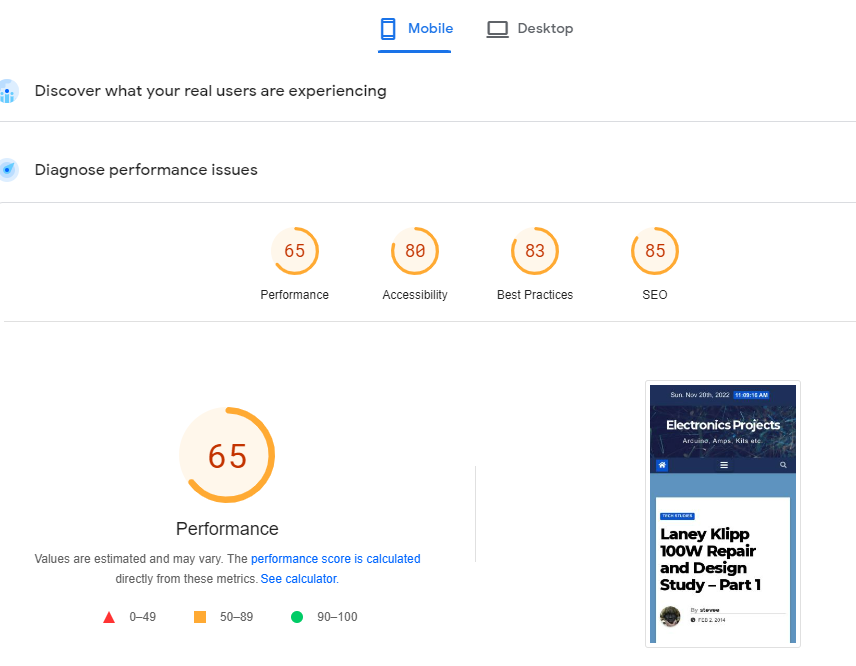
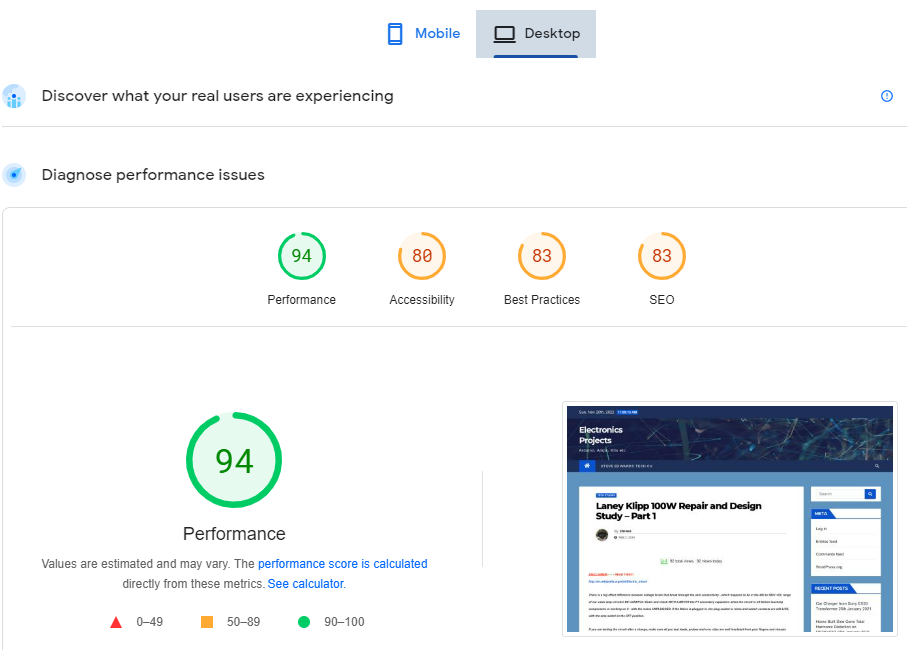
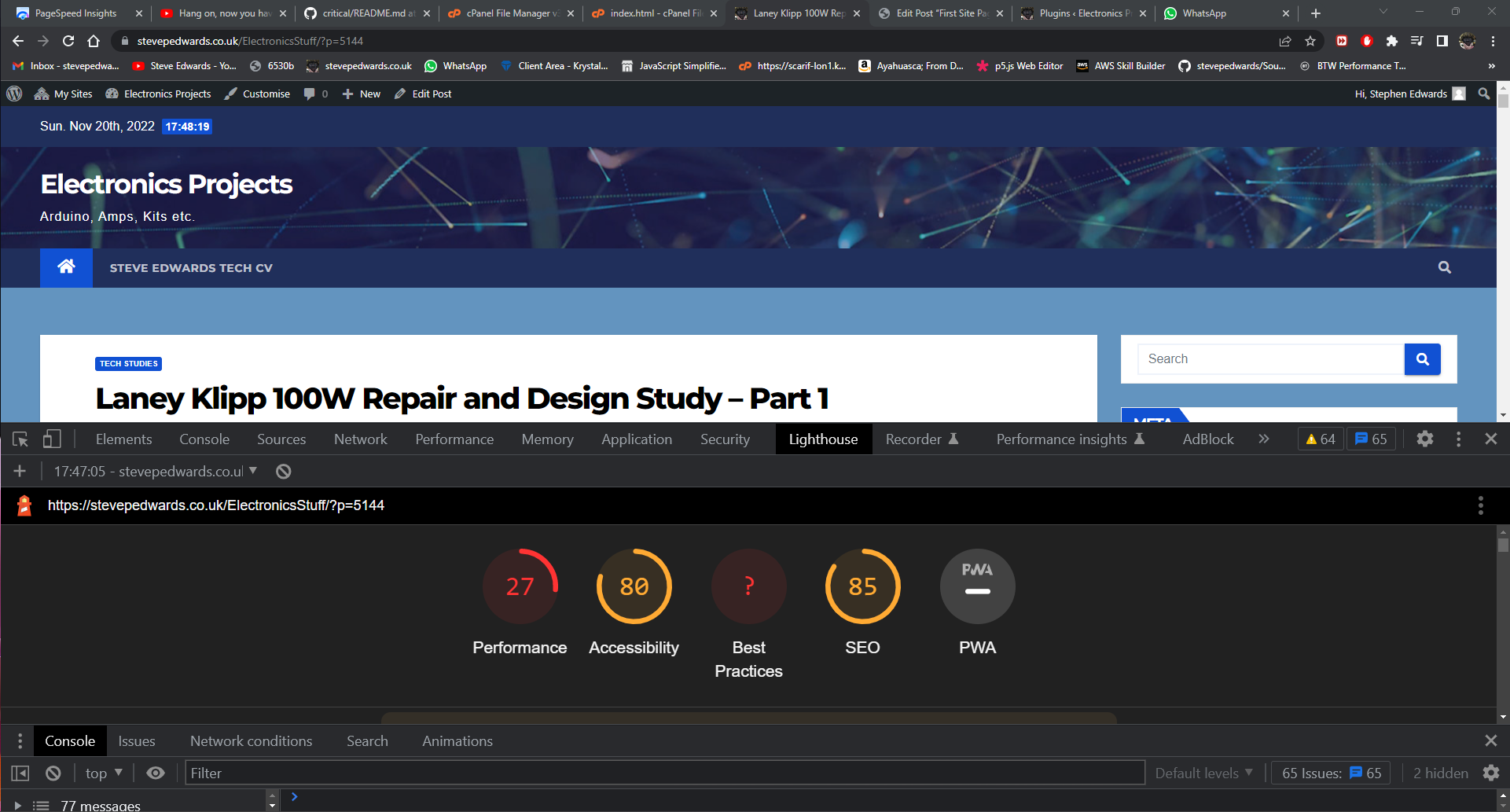
Now I'll run Lighthouse - eww, terrible:
I'll switch on EWWW webp plugin and re-run:
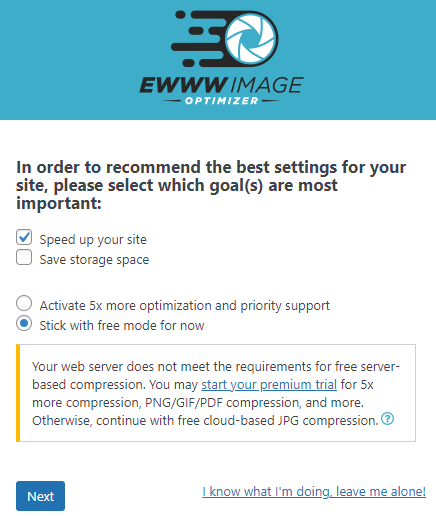
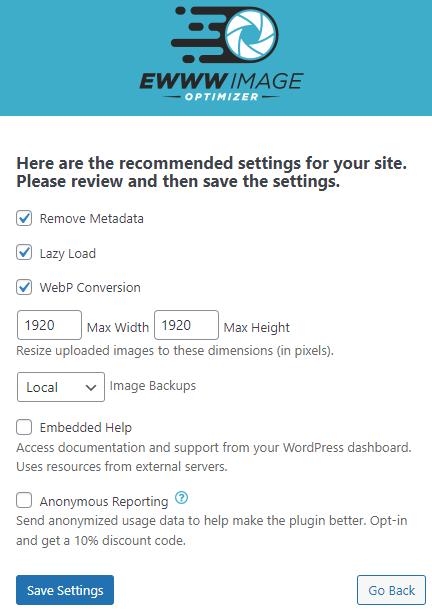
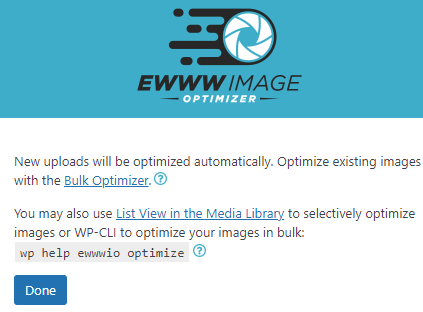
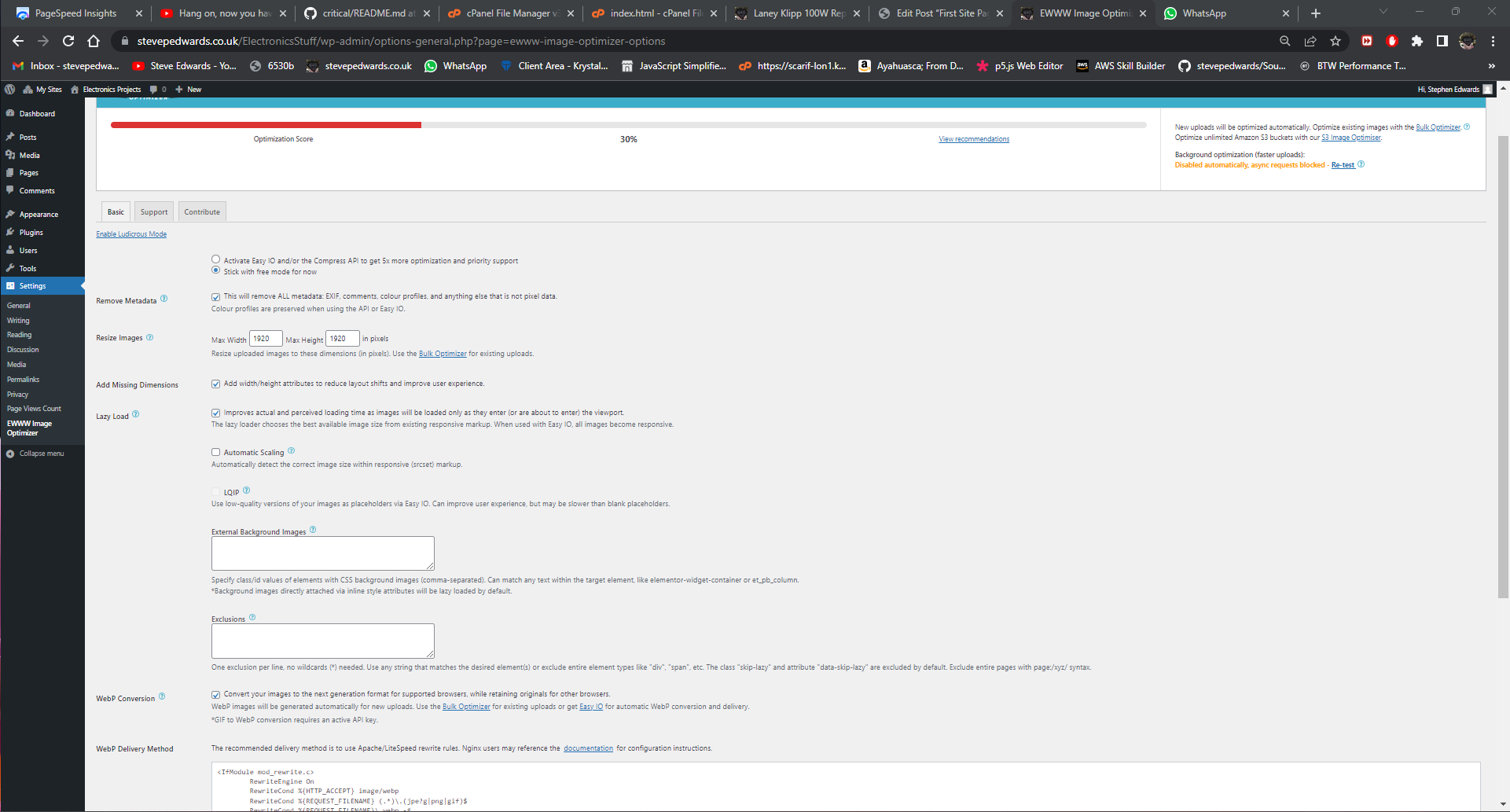
Terrible result!
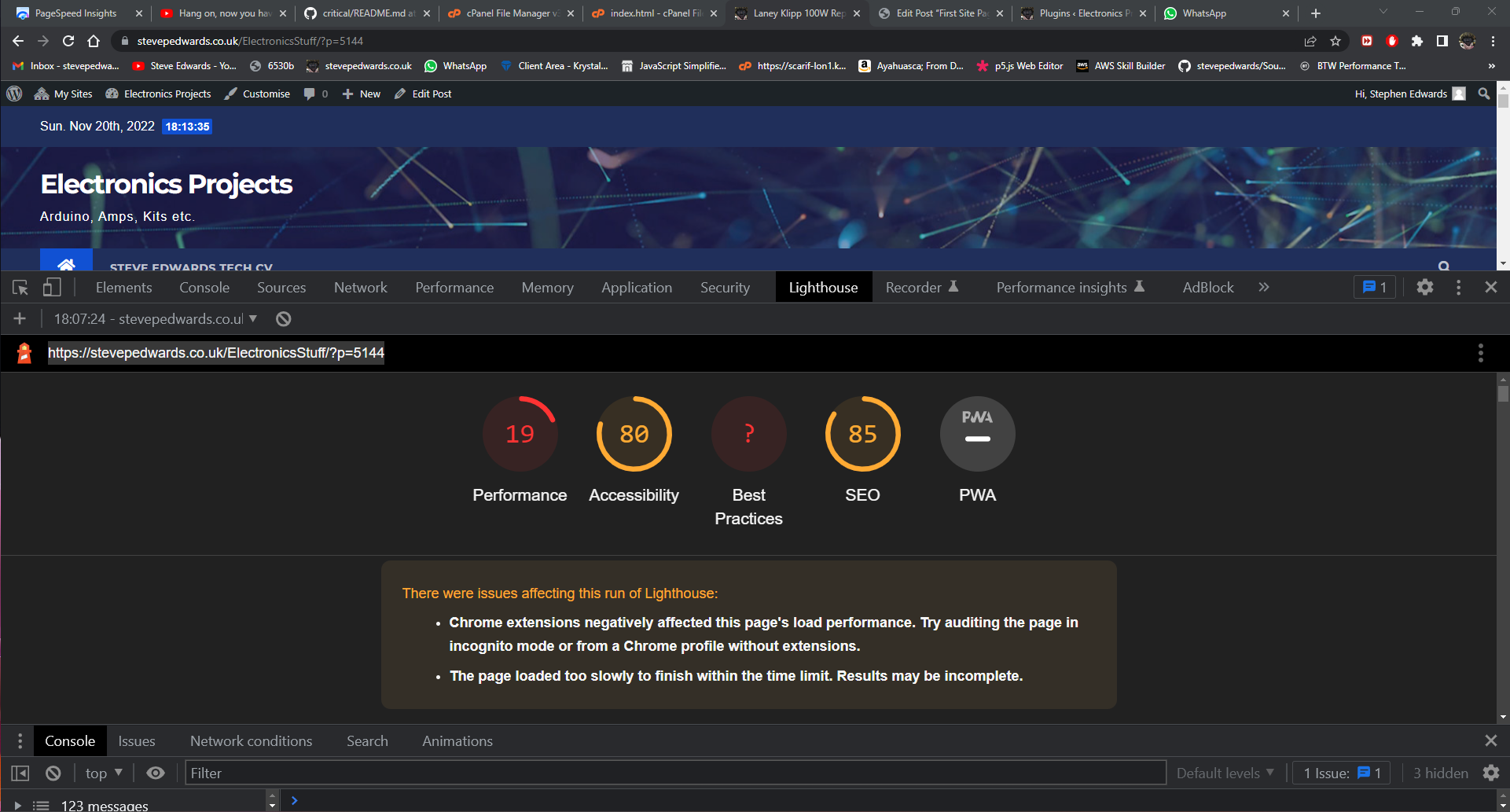
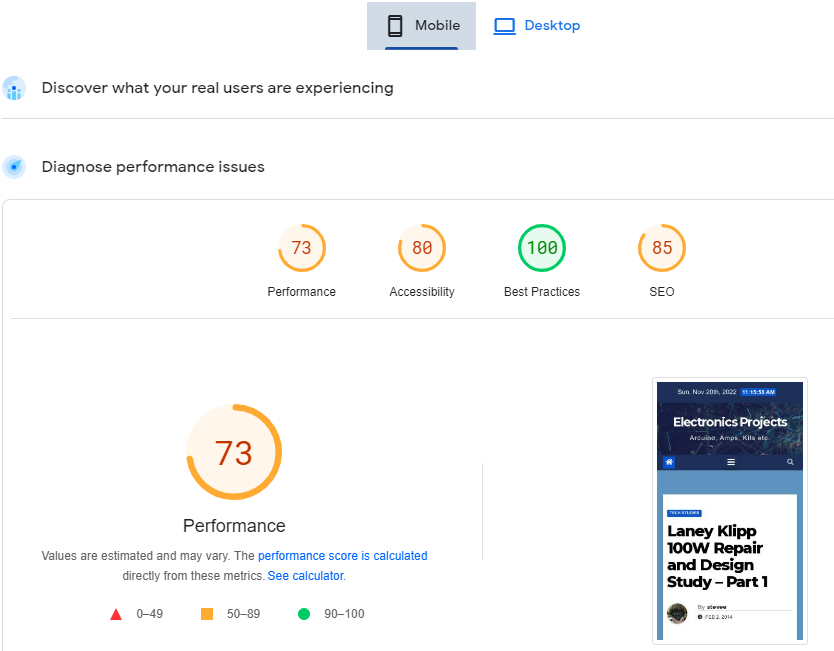
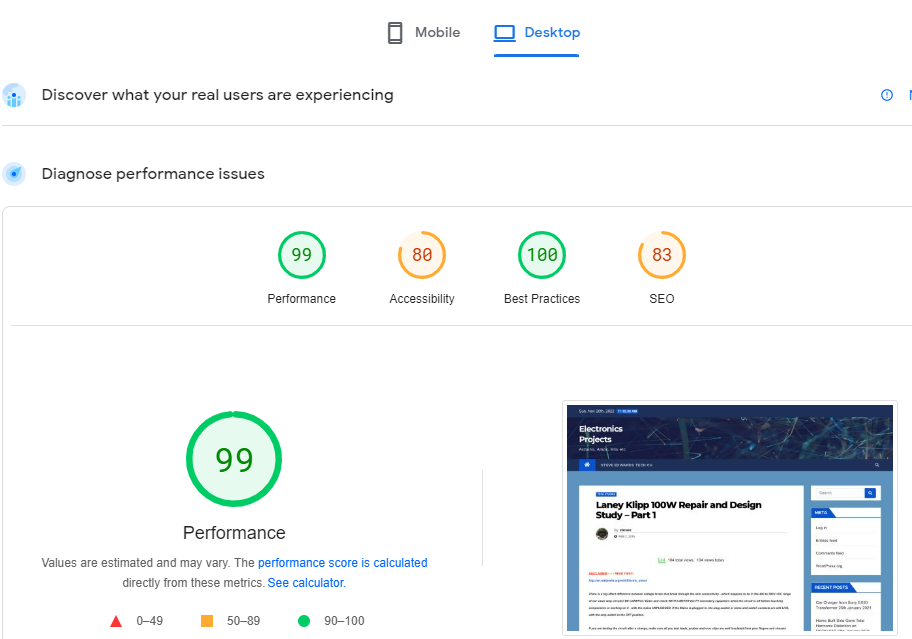
Ahh, you MUST use Incognito mode to remove Chrome Extension effects...so Lighthouse Basline:
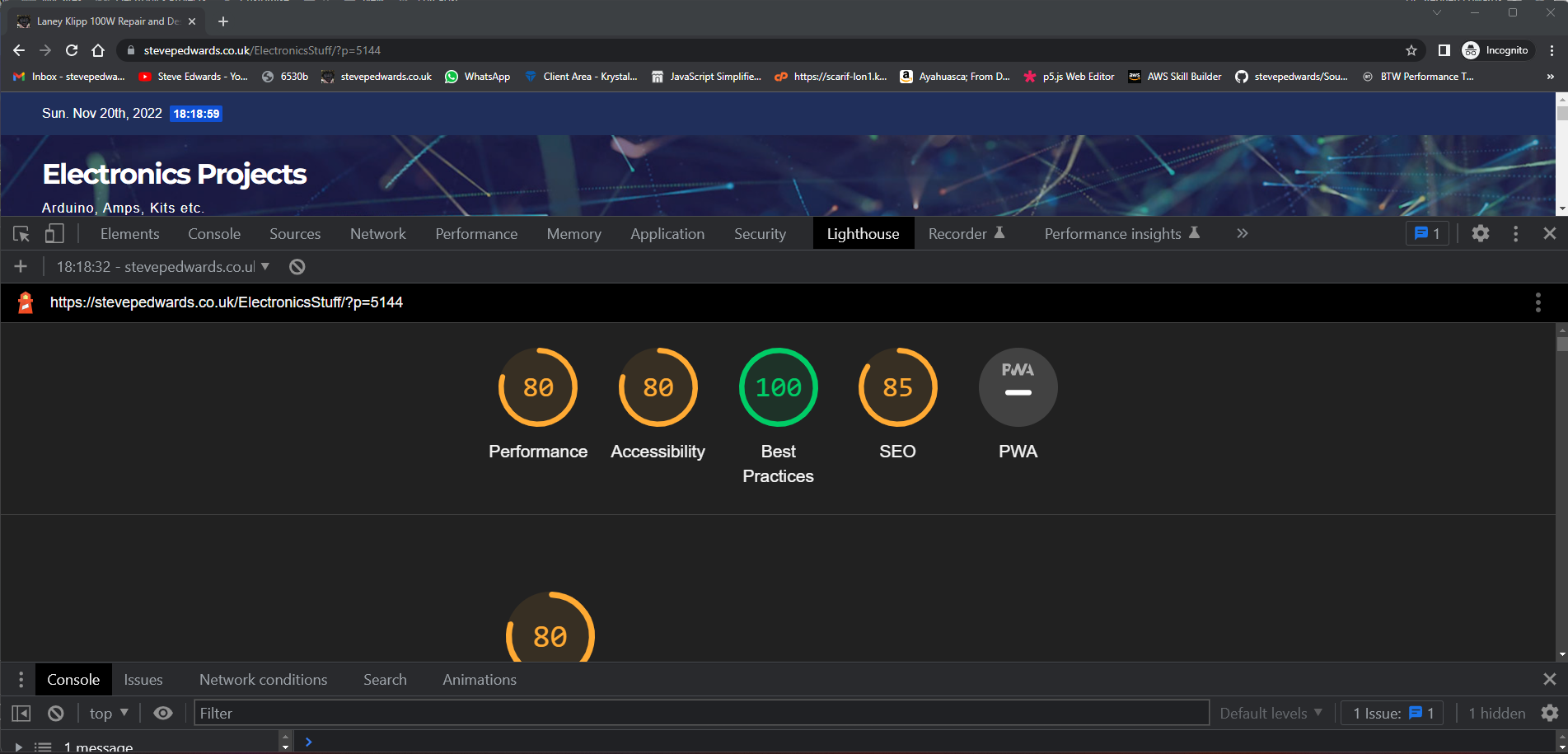
Network times:
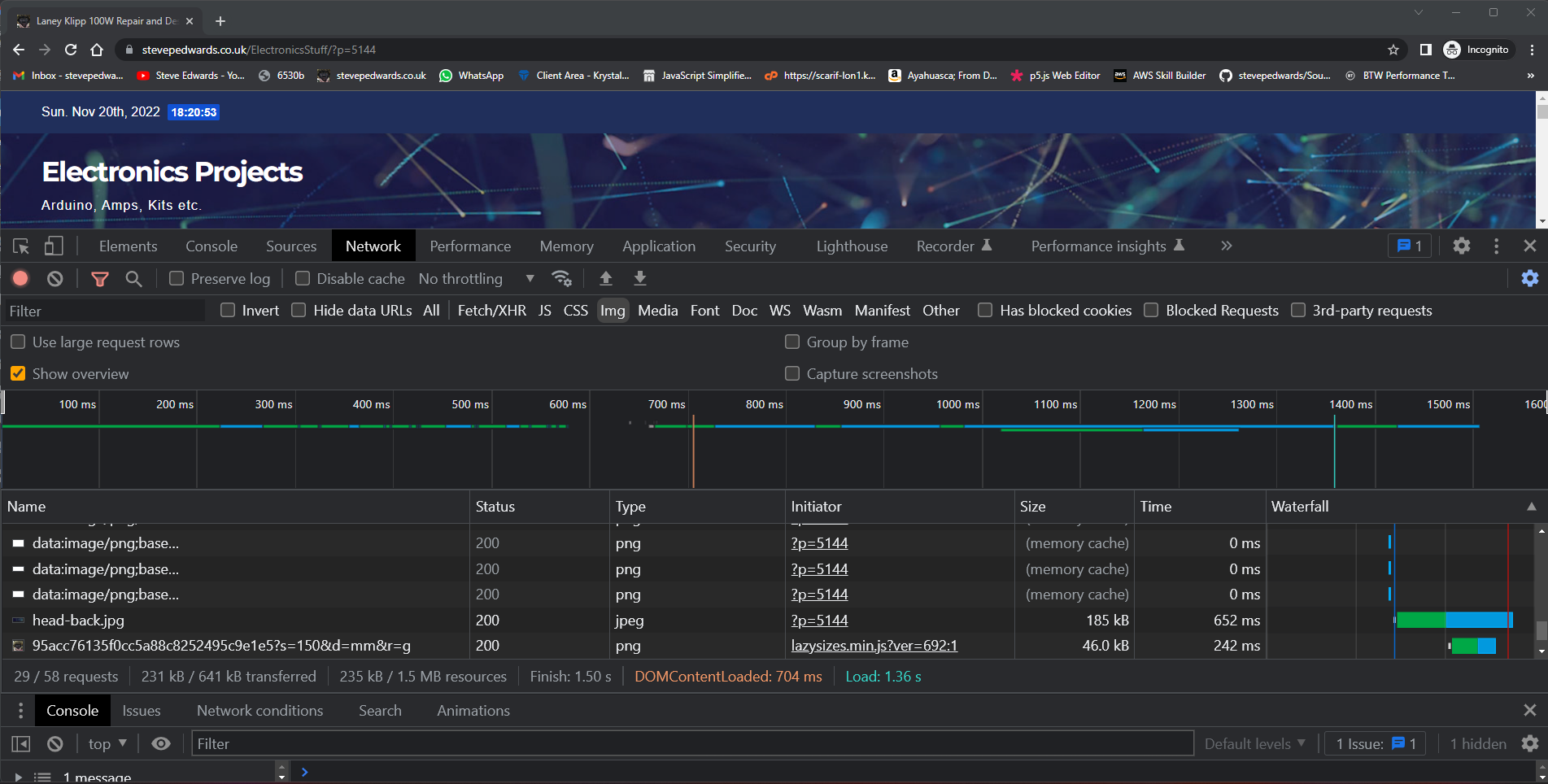
Load time decrese to 1.36 secs over non EWWW plugin load time 3.58secs a 2.6 times increase in load speed!
Now I'll change the whole site "http" to "http" using the Search/Replace plugin to try remove the cautions.
Hmm, odd - they've disappeared but replaced by settimeout handler warnings in Chrome, but that's due to Adblock Extension...
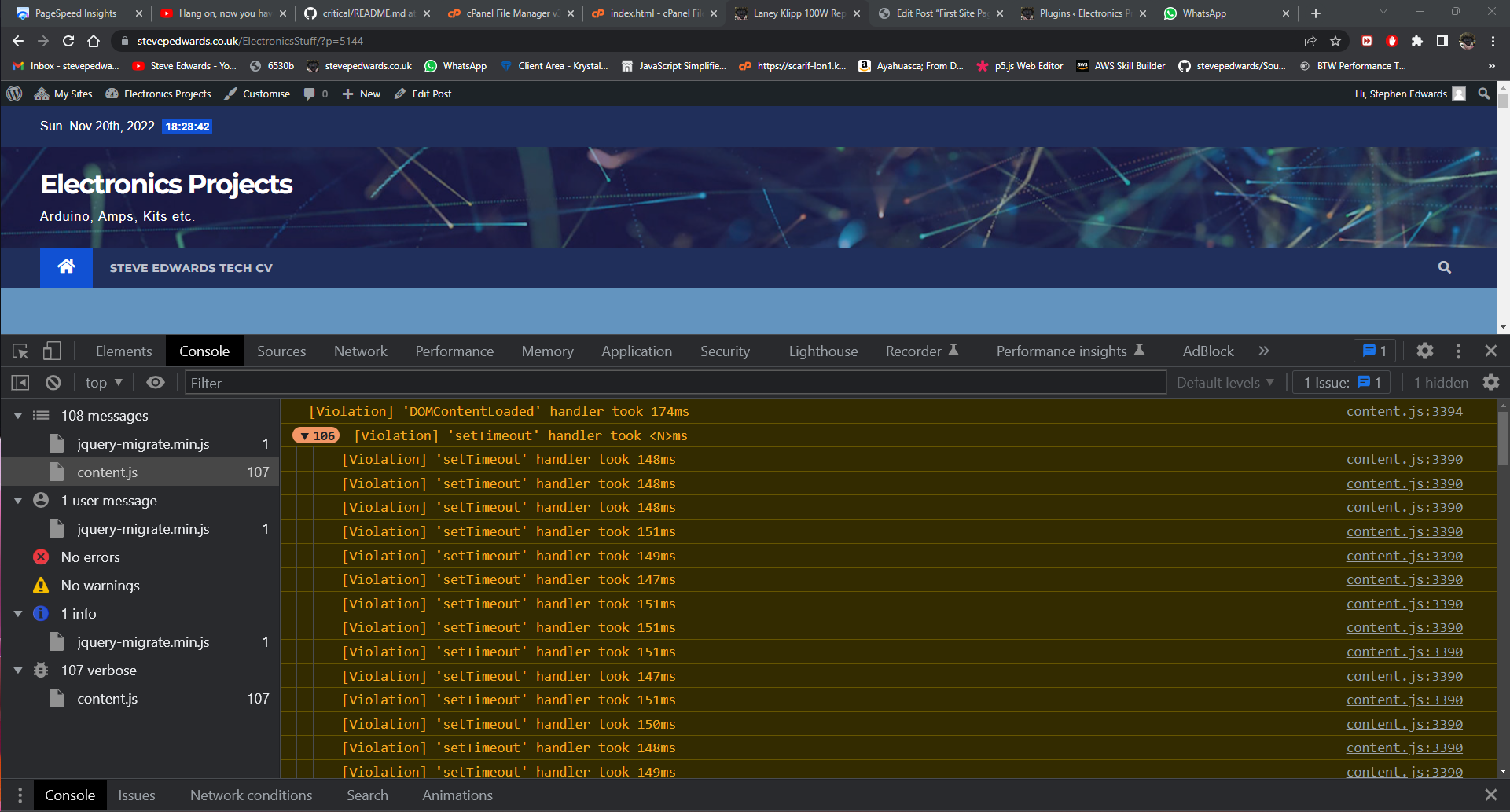
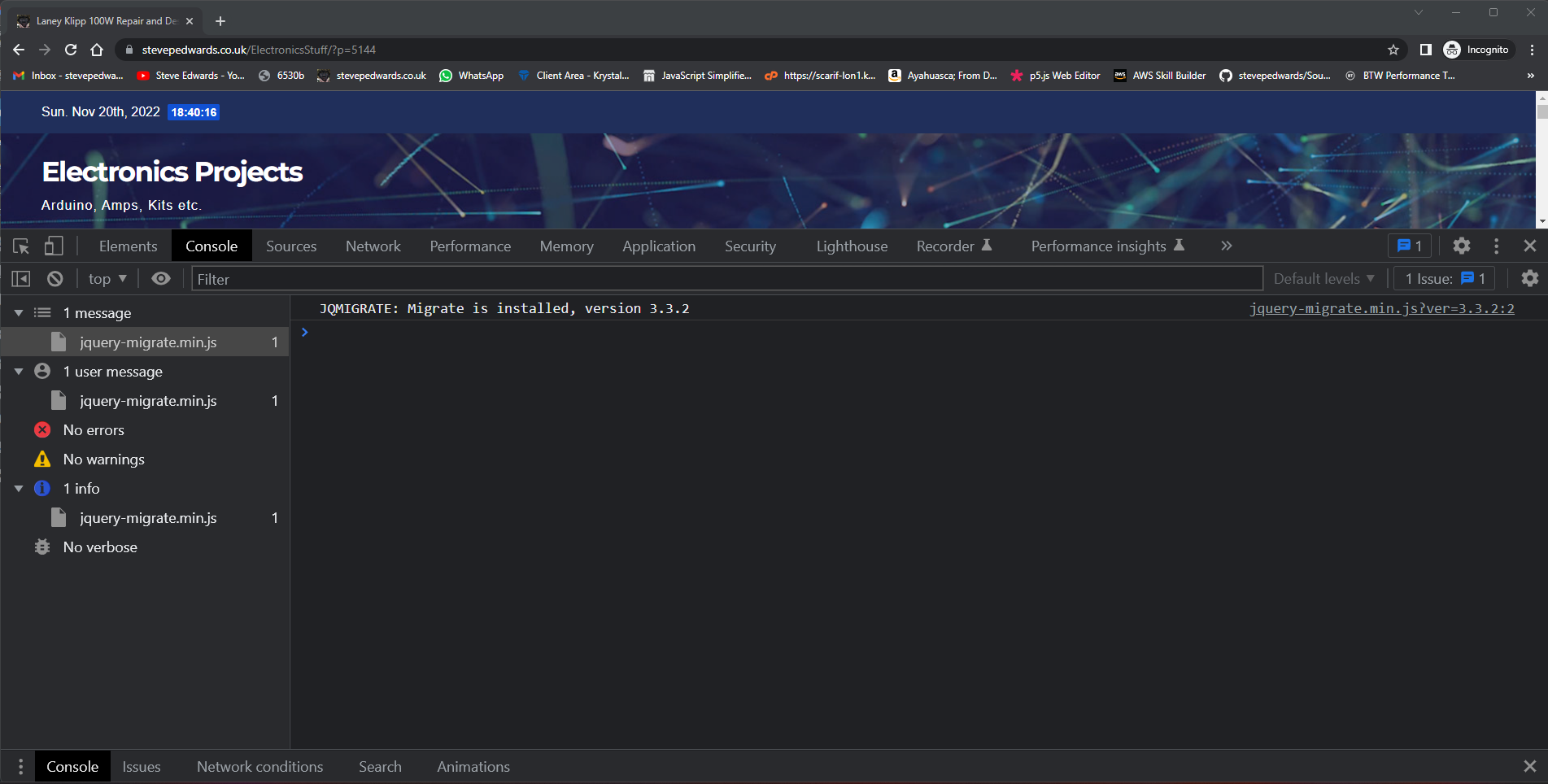
...but I need to check Incognito mode to remove the Extensions effects - all clean - good:
"How do I get to 100%?
- Enable premium compression with an API key or Easy IO."