
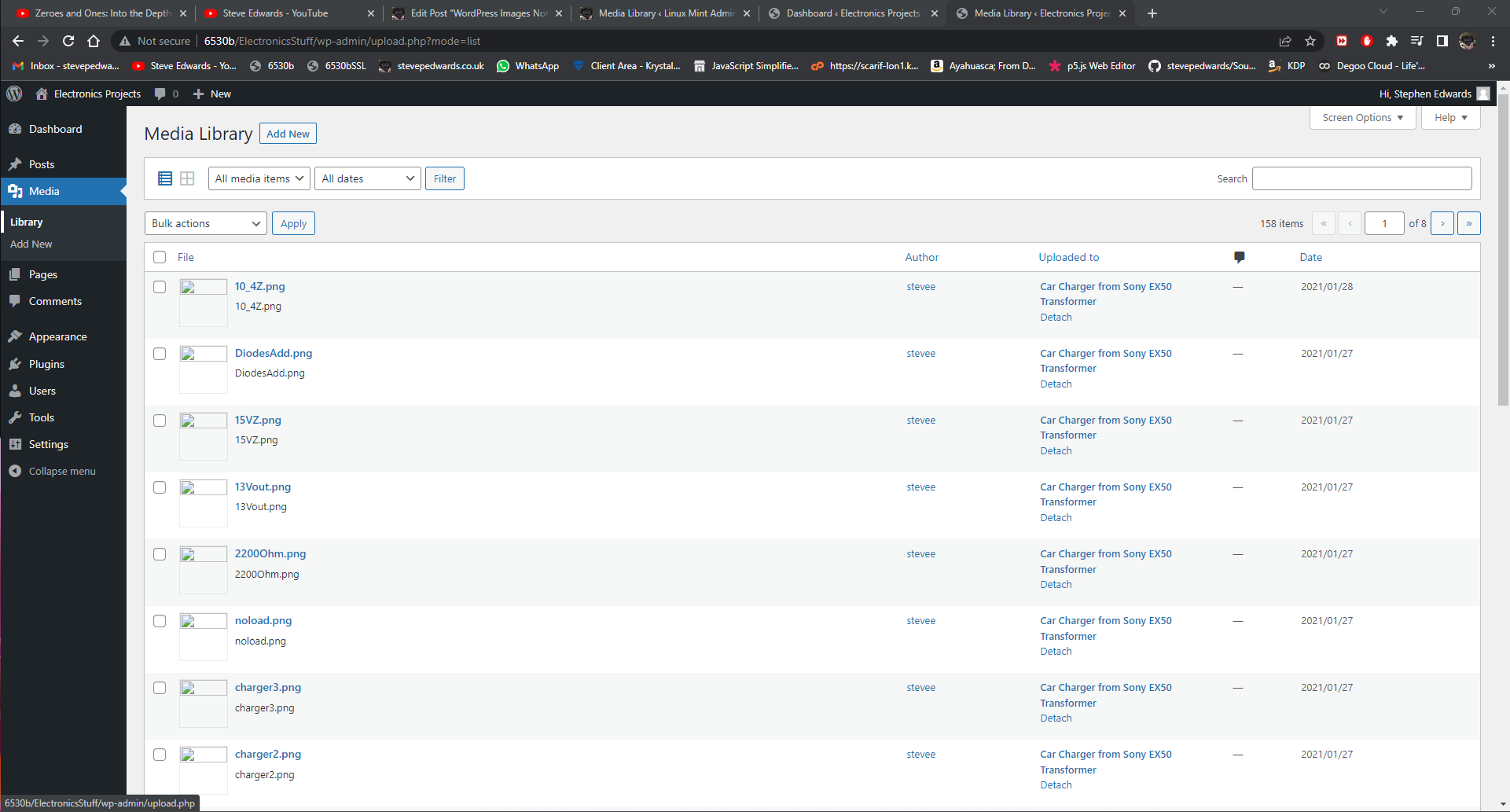
I have spent the last 3 days going mad trying to find the reason for most of my images on my home site not showing images in Posts or the Media library:
I tried every solution I found on the web - and then some! - to no avail, until day three when someone mentioned the .htaccess file in the wp-content folder! These failed "solutions" included trying:
3 different PHP versions; 7.4, 8.0 and 8.1. (see prior Posts for details(
Different themes
Clearing cache (if you use a caching plugin e.g. W3 Total Cache)
Disabling all plugins
Increasing memory limits via sudo vi /etc/php/8.0/apache2/php.ini
memory_limit = 256M
Increasing memory limits via /(site dir)/wp-config.php; sudo vi .../wp-config.php
define('WP_MEMORY_LIMIT', '256M');
Installing wp-cli (see prior Post on this) and running; wp media regenerate --yes
Regenerate Thumbnails plugin
Database repair using PHPMYADMIN
I'm nothing if not persistent...
It seems, I don't know how or why, but there were many duplicate Posts but with different Post IDs that have been exported and re-imported to/from various .xml files over the past 10 years, which have a corresponding image ID in the main database, so I had uploaded a particular incorrect .xml backup from disorganised backup files, then deleted INCORRECT duplicates of those Posts, and re - exported them without checking which Post version worked properly before deleting a duplicate - or noticing they had different Post Id numbers! Stupid idea in WordPress though for having Posts that will only upload images according to an image ID and not just upload from the link address in a Post - whatever Post ID it has, in my view...
But there was another event that seemingly solved the issue immediately, before I got into the Post ID issue that I now cannot re-create to show ( possibly because the working database is installed now over the prior image blocking version?)
I had an .htaccess file in the W:ElectronicsStuffwp-content folder, that I assume was there from a past webP image compression plugin for improving site SEO speed etc.
As soon as I edited this back from:
---------------------------------------
# BEGIN WebP Express
# The directives (lines) between `BEGIN WebP Express` and `END WebP Express` are
# dynamically generated, and should only be modified via WordPress filters.
# Any changes to the directives between these markers will be overwritten.
# The rules below is a result of many parameters, including the following:
#
# WebP Express options:
# - Redirection to existing webp: enabled
# - Redirection to converter: enabled
# - Redirection to converter to create missing webp files upon request for the webp: enabled
# - Destination folder: separate
# - Destination extension: append
# - Destination structure: doc-root
# - Image types: jpeg, png
#
# WordPress/Server configuration:
# - Document root availablity: Available and its "realpath" is available too. Can be used for structuring cache dir.
#
# .htaccess capability test results:
# - mod_header working?: no
# - pass variable from .htaccess to script through header working?: no
# - pass variable from .htaccess to script through environment variable working?: yes
#
# Role of the dir that this .htaccess is located in:
# - Is this .htaccess in a dir containing source images?: no
# - Is this .htaccess in a dir containing webp images?: yes
# Rules for handling requests for webp images
# ---------------------------------------------
# WebP Realizer: Redirect non-existing webp images to webp-realizer.php, which will locate corresponding jpg/png,
# convert it, and deliver the freshly converted webp
<IfModule mod_rewrite.c>
RewriteEngine On
RewriteCond %{REQUEST_FILENAME} !-f
RewriteRule ^/?(.+).(webp)$ /ElectronicsStuff/wp-content/plugins/webp-express/wod/webp-realizer.php [E=DESTINATIONREL:ElectronicsStuff/wp-content/webp-express/webp-images/$0,E=WPCONTENT:ElectronicsStuff/wp-content,NC,L]
</IfModule>
# Set Vary:Accept header if we came here by way of our redirect, which set the ADDVARY environment variable
# The purpose is to make proxies and CDNs aware that the response varies with the Accept header
<IfModule mod_headers.c>
<IfModule mod_setenvif.c>
# Apache appends "REDIRECT_" in front of the environment variables defined in mod_rewrite, but LiteSpeed does not
# So, the next lines are for Apache, in order to set environment variables without "REDIRECT_"
SetEnvIf REDIRECT_EXISTING 1 EXISTING=1
SetEnvIf REDIRECT_ADDVARY 1 ADDVARY=1
Header append "Vary" "Accept" env=ADDVARY
# Set X-WebP-Express header for diagnose purposes
Header set "X-WebP-Express" "Redirected directly to existing webp" env=EXISTING
</IfModule>
</IfModule>
# Register webp mime type
<IfModule mod_mime.c>
AddType image/webp .png
</IfModule>
# END WebP Express
--------------------------------------
to default WP:
----------------------------------------
# BEGIN WordPress
RewriteEngine On
RewriteBase /
RewriteRule ^index.php$ - [L]
RewriteCond %{REQUEST_FILENAME} !-f
RewriteCond %{REQUEST_FILENAME} !-d
RewriteRule . /index.php [L]
# END WordPress
When the page was refreshed with Shift-F5 (to empty page cache) - all the images appeared in the Posts and in the Media Library!
So, it seems WP may not link the image with the incorrect Post ID (even though the image http link address is correct!!) so you will have just an empty placeholder in the Post page and empty thumbnails in the Media Library OR you may have a non standard, plugin created, image blocking .htaccess file somewhere in your content folder...
Absolute nightmare...