
Azure DNS Alias with suffix xxx.cloudapp.azure.com
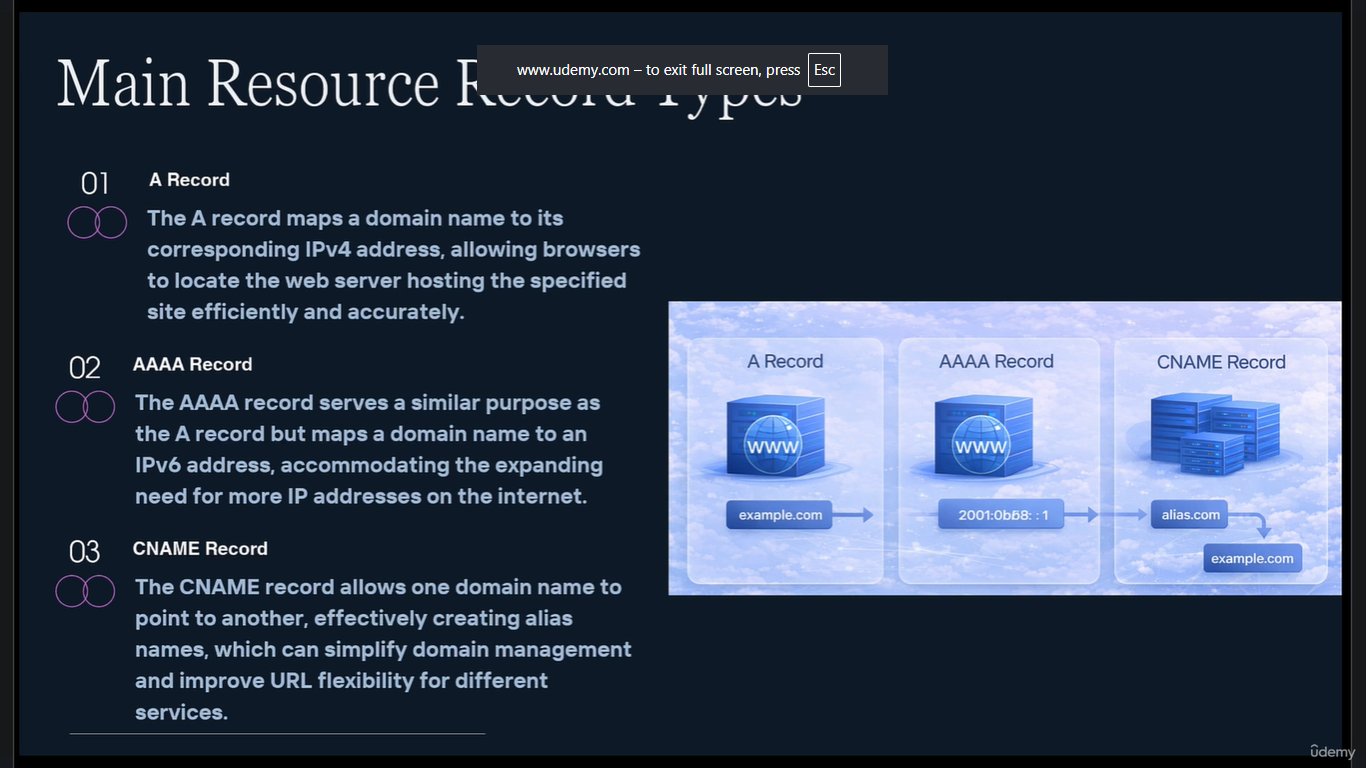
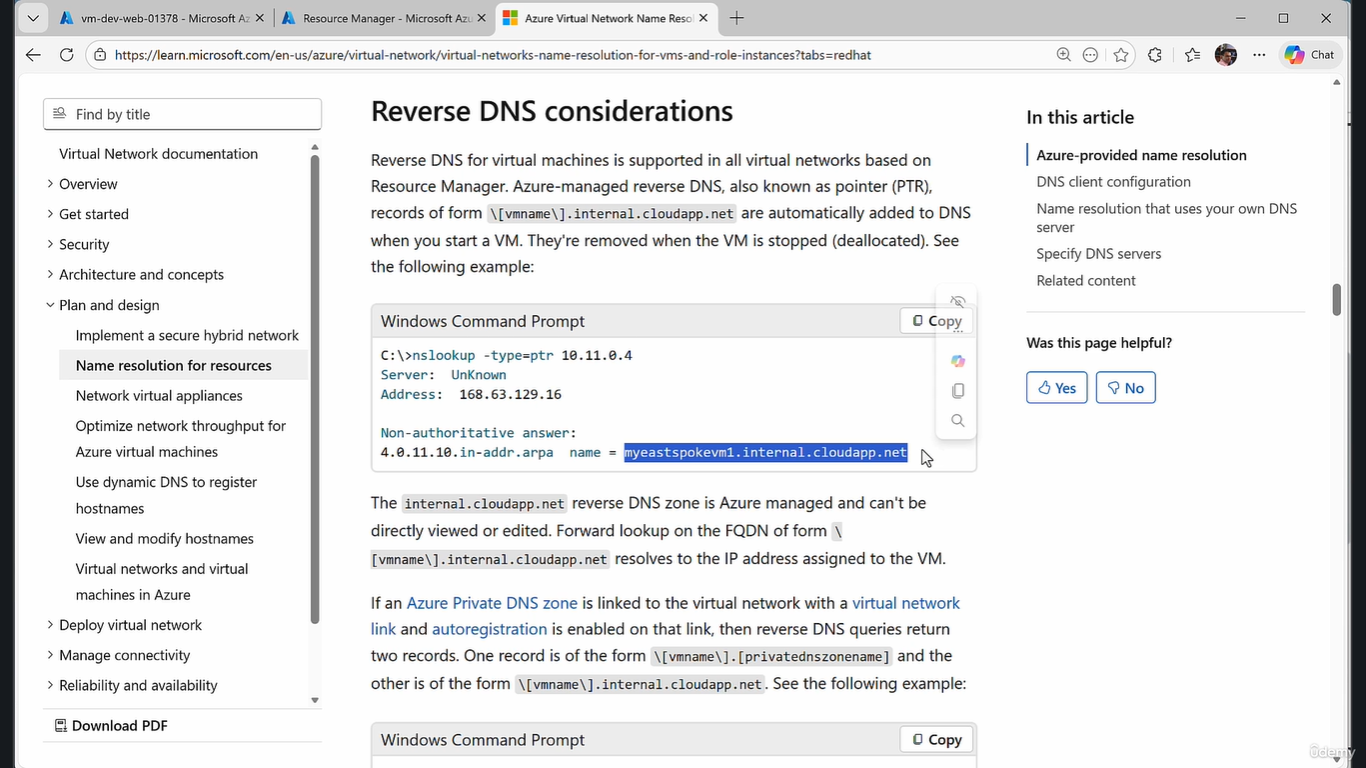
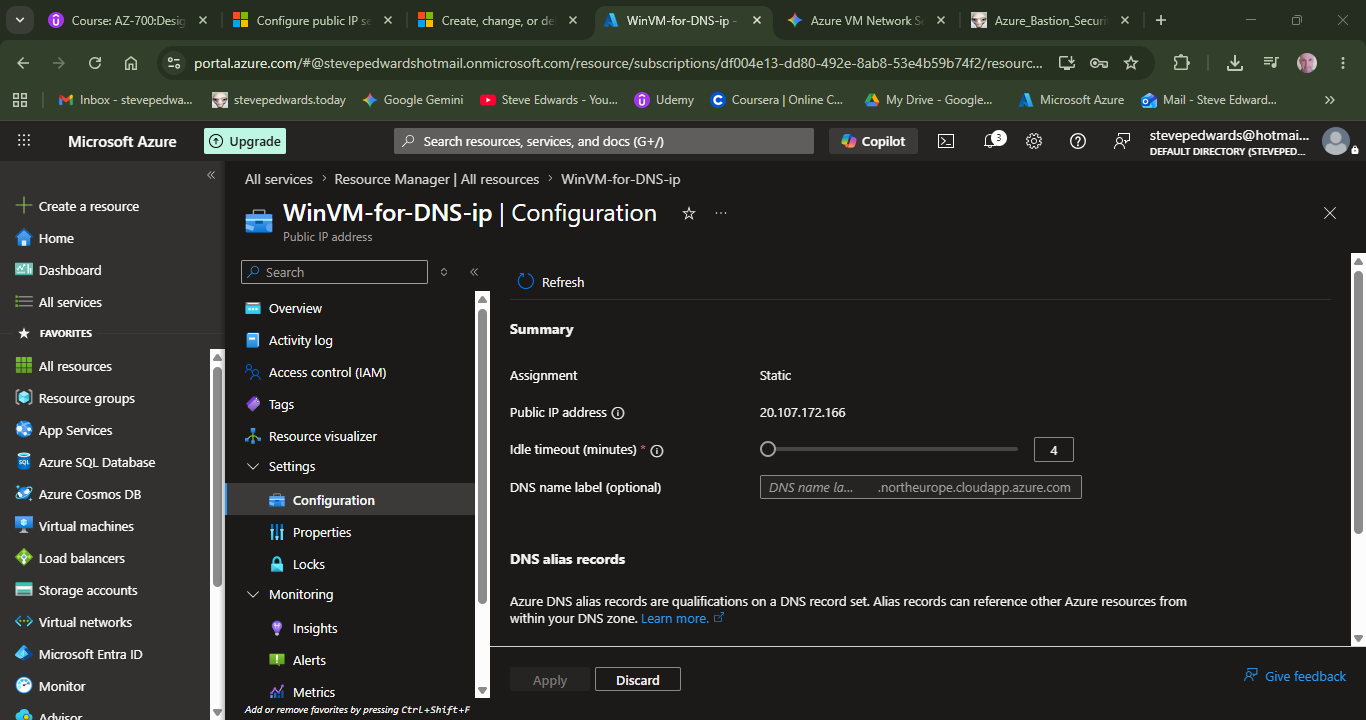
Configure the VM pip for DNS:
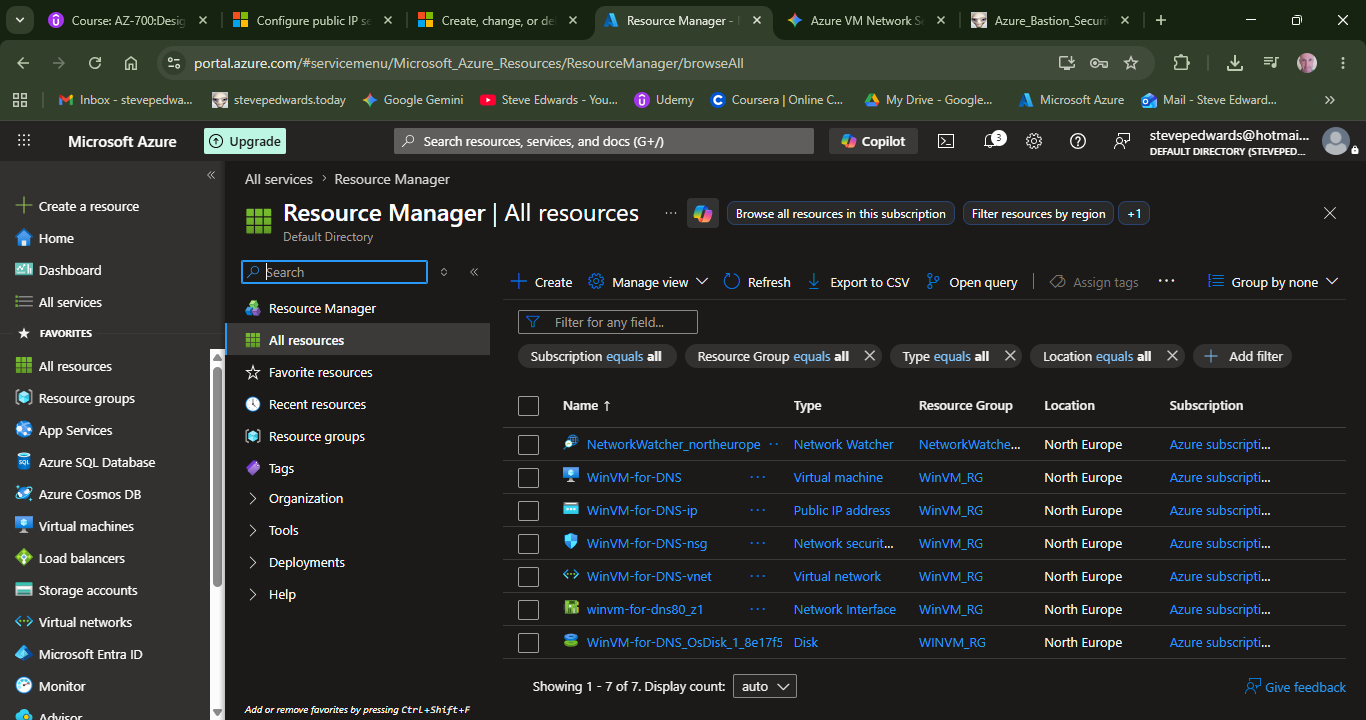
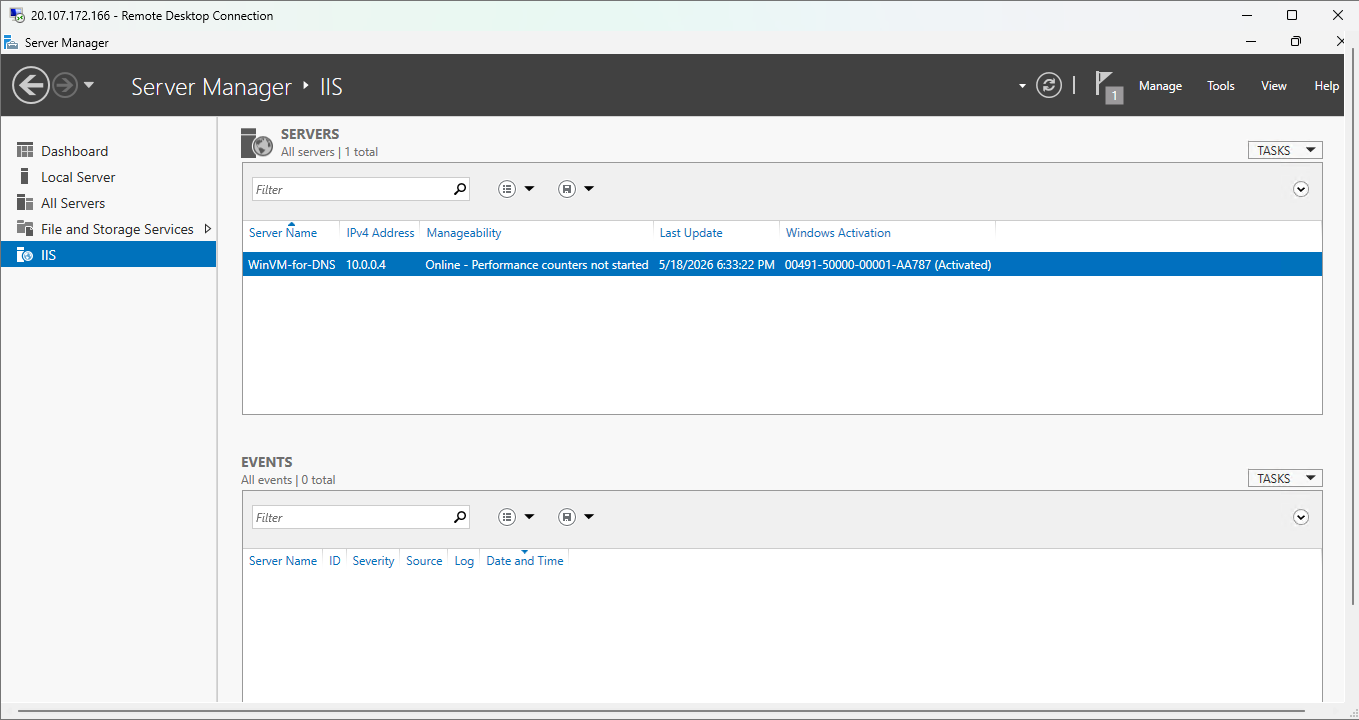
Log in to the VM via RDP and setup IIS as prior exercises:
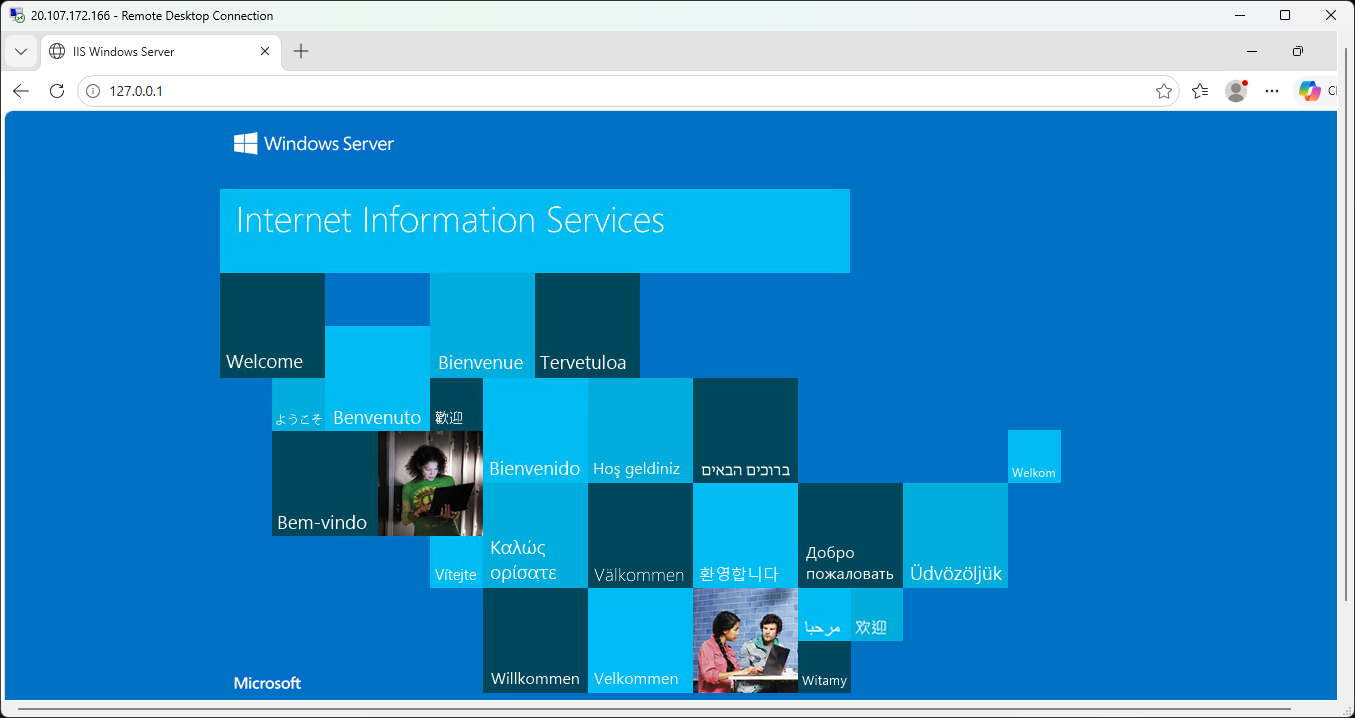
Check the default server IIS webpage exists locally via RDP in Edge browser:
Configure a public IP address (Configure a DNS idle time, name, and alias record for your public IP address.):
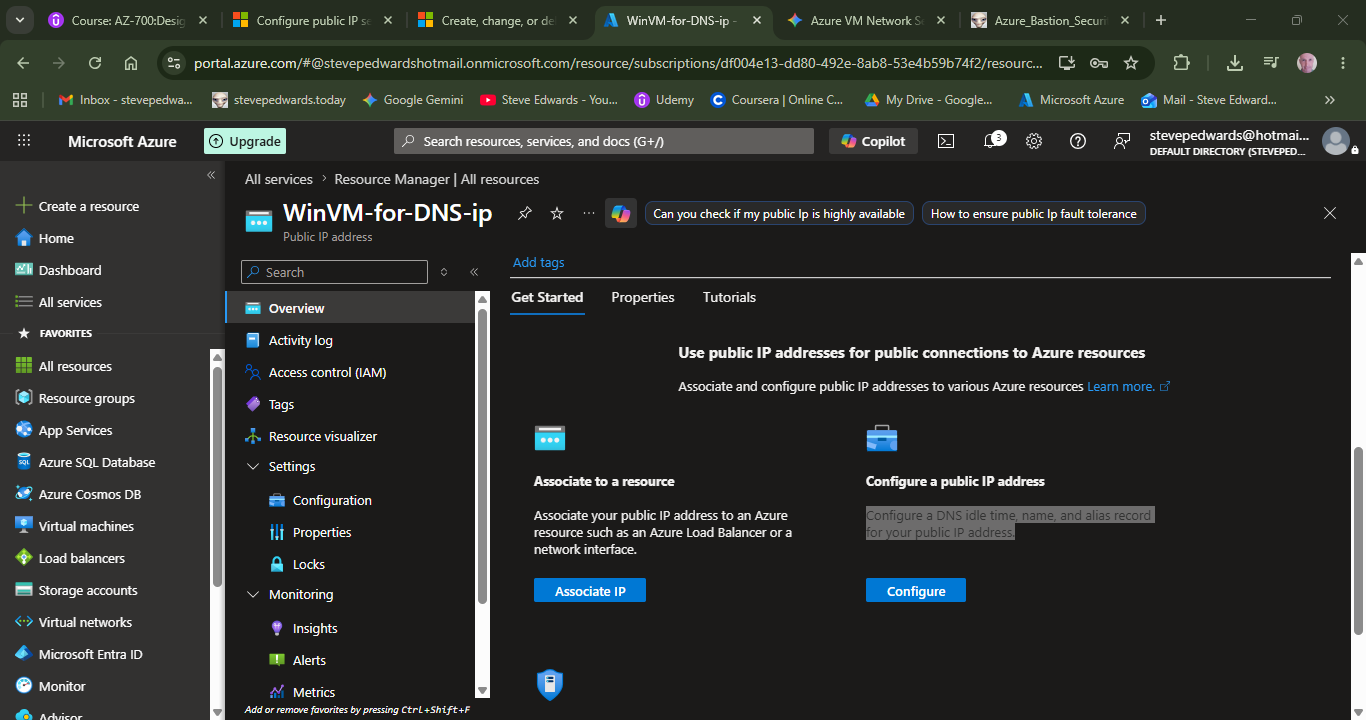
Configure:
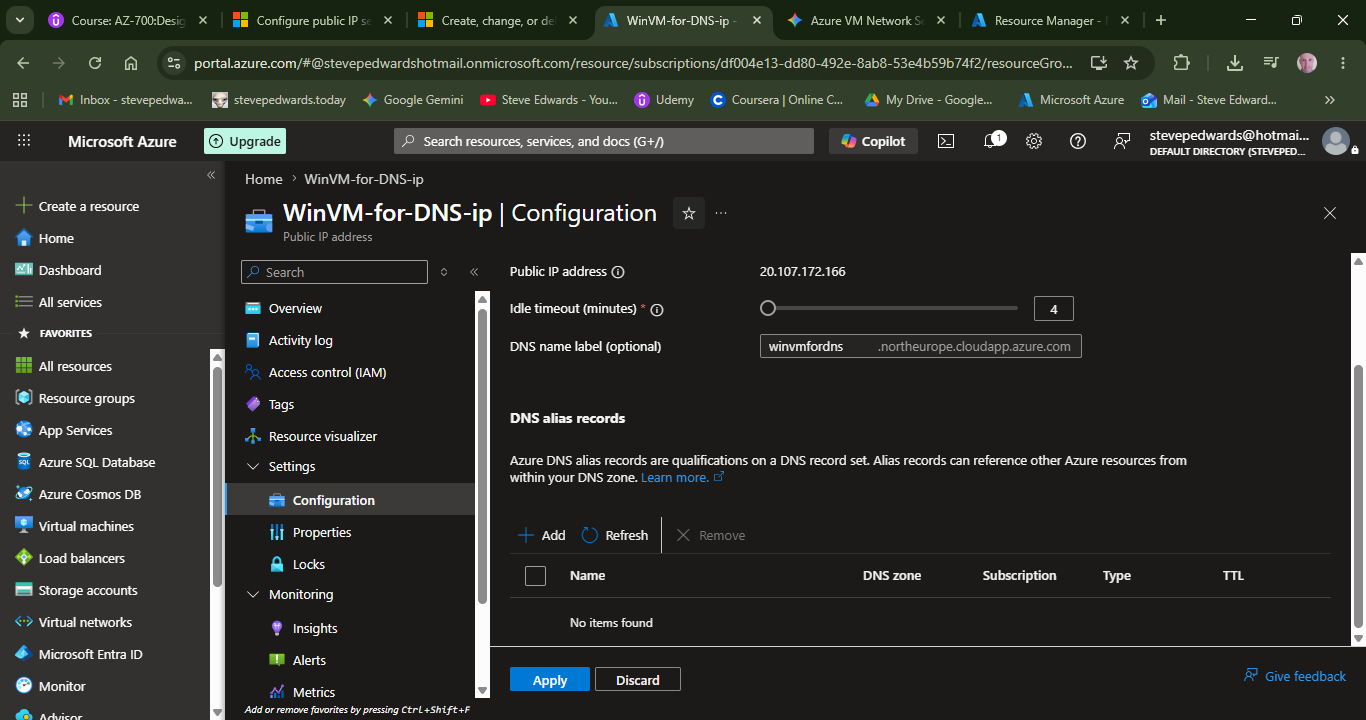
Give a DNS name for the VM, that has the applied suffix;
winvmfordns
.northeurope.cloudapp.azure.com
Check the PIP is available from WSL2 :
steve@baby:~$ nmap 20.107.172.166 -Pn
Starting Nmap 7.94SVN ( https://nmap.org ) at 2026-05-18 19:38 BST
Nmap scan report for 20.107.172.166
Host is up (0.066s latency).
Not shown: 999 filtered tcp ports (no-response)
PORT STATE SERVICE
3389/tcp open ms-wbt-server
We need to open port 80 to the win server on the public IP with an Inbound Rule in WinVM-for-DNS | Network settings :
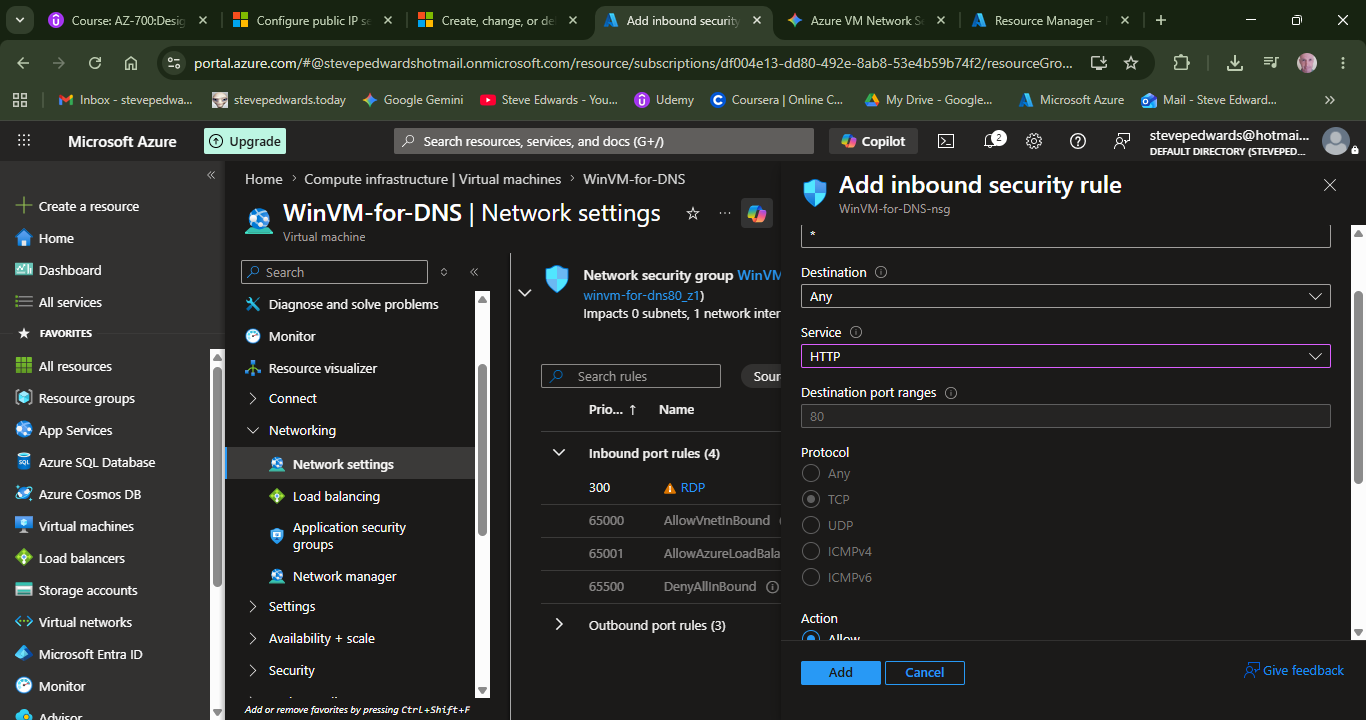
The port is open from WSL2:
steve@baby:~$ nmap 20.107.172.166 -Pn
Starting Nmap 7.94SVN ( https://nmap.org ) at 2026-05-18 19:48 BST
Nmap scan report for 20.107.172.166
Host is up (0.059s latency).
Not shown: 998 filtered tcp ports (no-response)
PORT STATE SERVICE
80/tcp open http
3389/tcp open ms-wbt-server
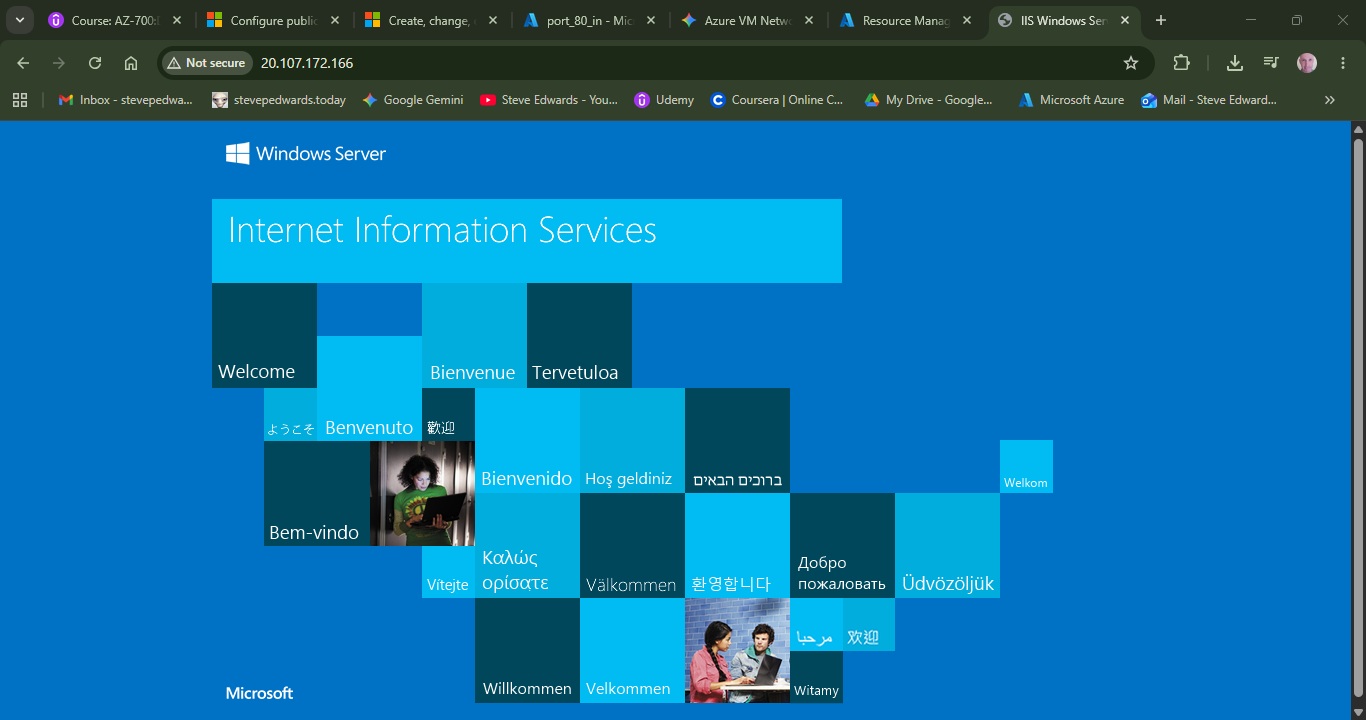
Check the IIS site is available by IP in Chrome:
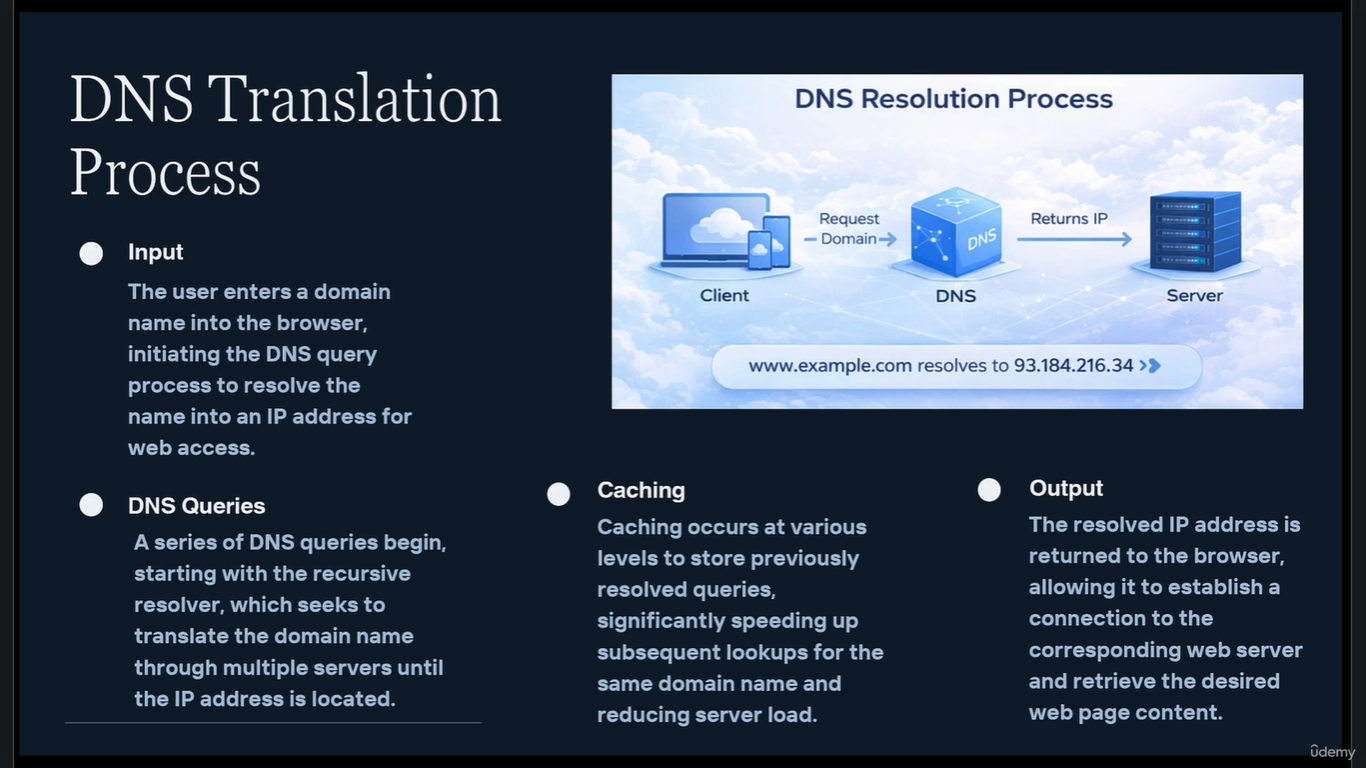
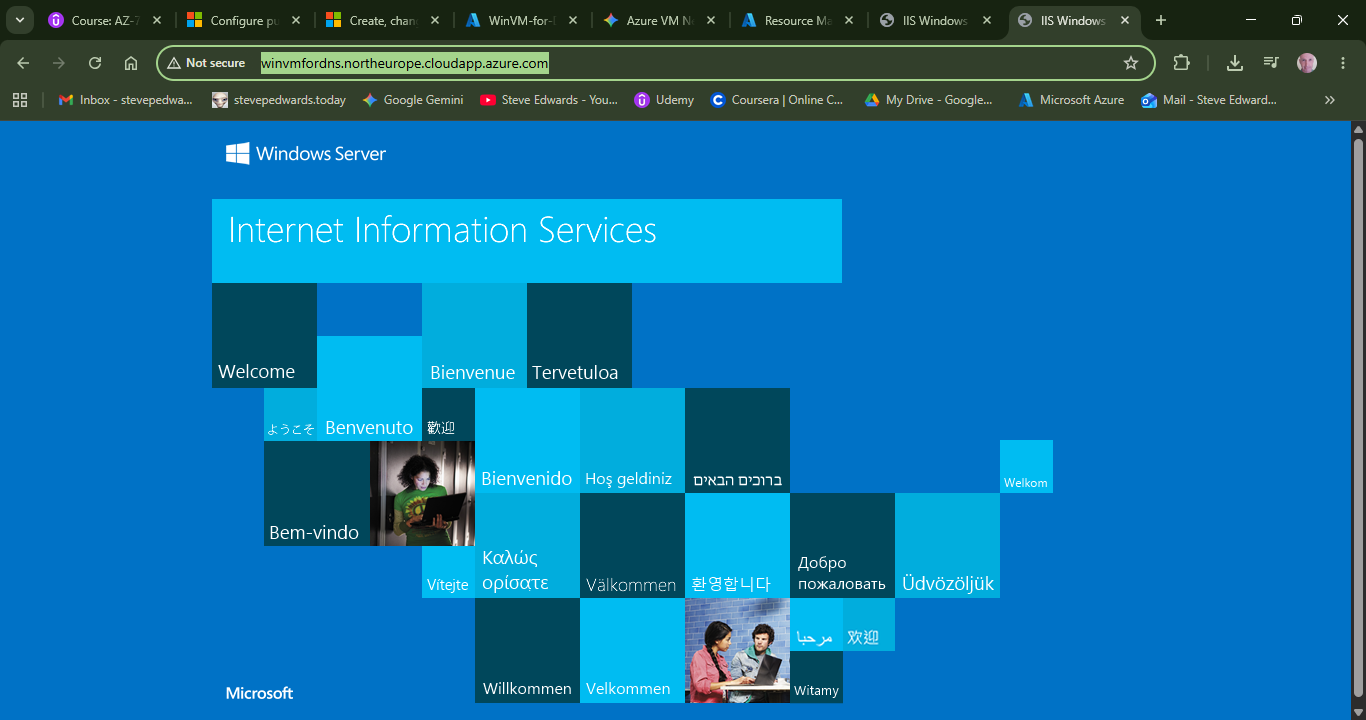
Now to check the above setup Azure DNS A record http://winvmfordns.northeurope.cloudapp.azure.com/ works:
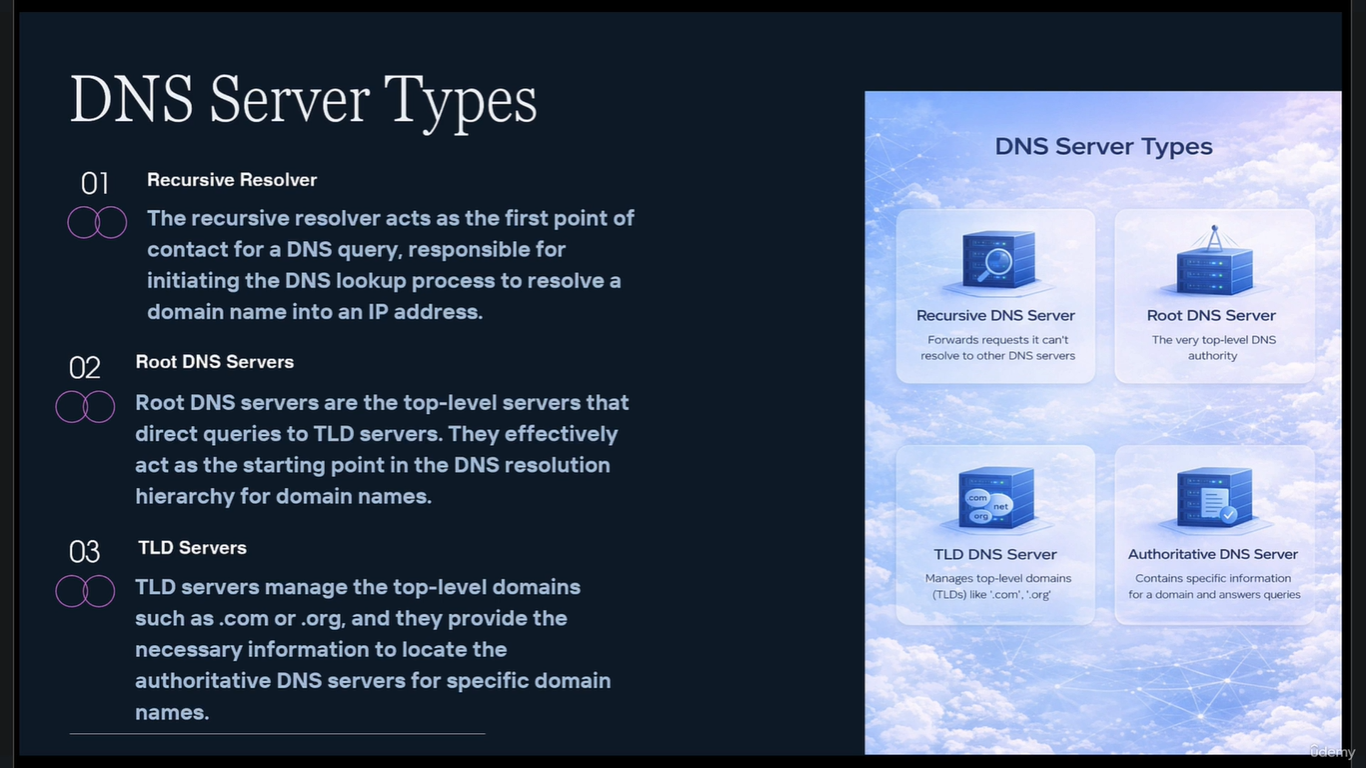
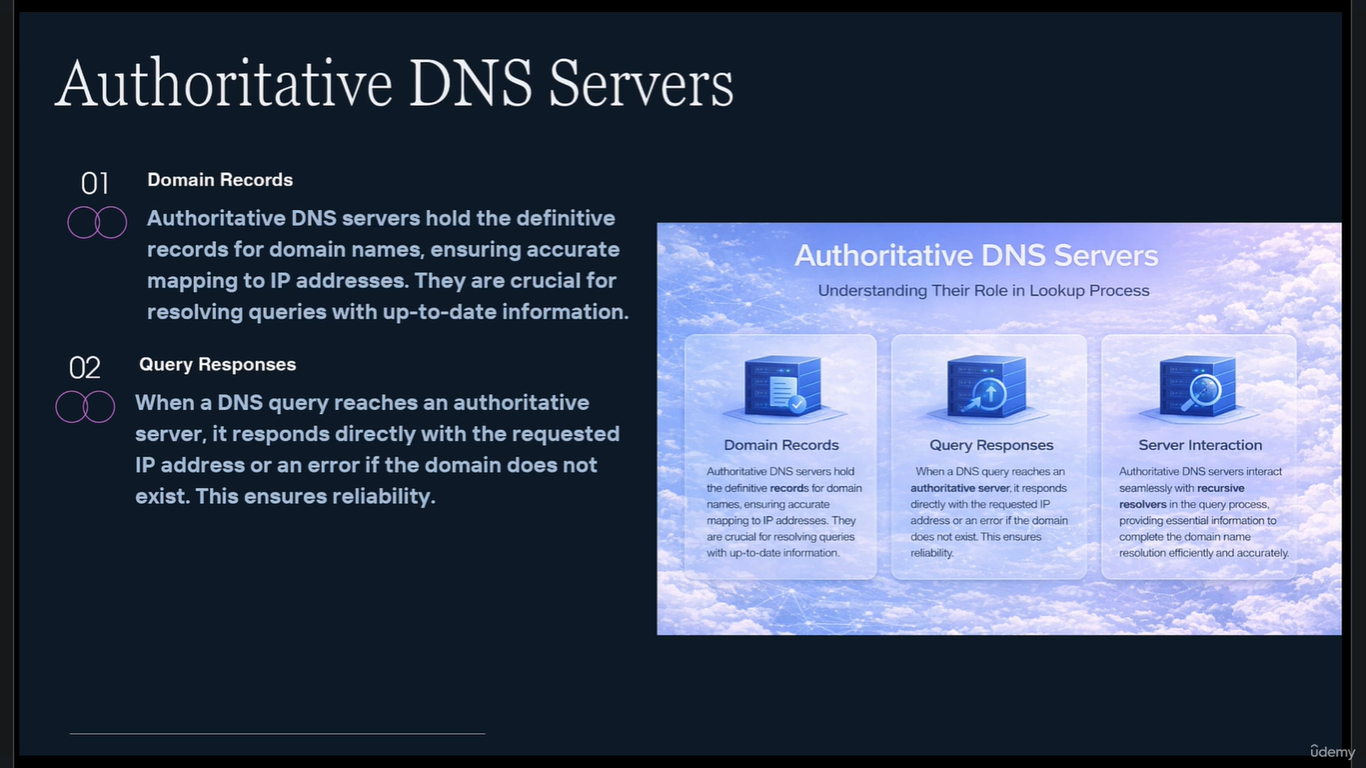
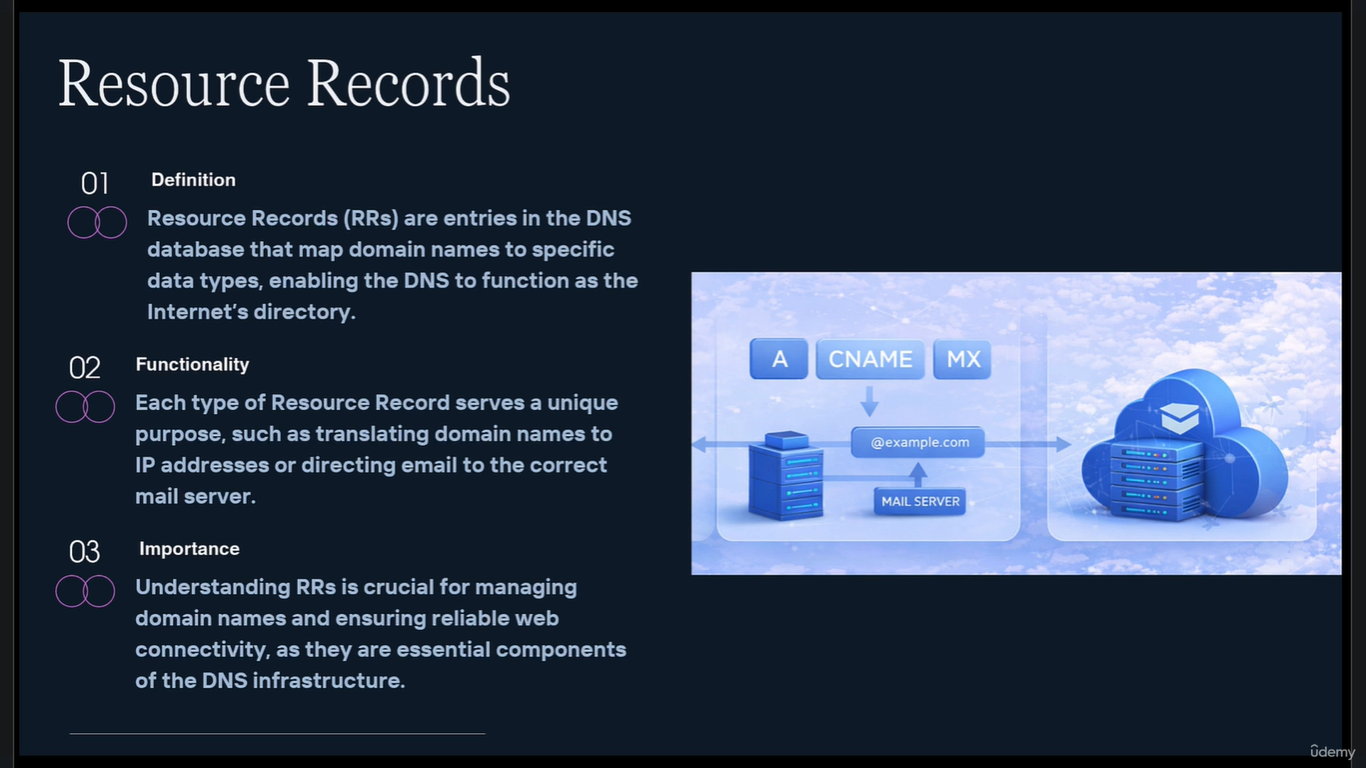
If you have an external, owned domain name, you can use your provider website DNS record settings to route your private domain name to the Azure VM by linking the Azure PIP to your private domain name, then once the DNS has propagated, the DNS for that site will point to the Azure VM, e.g.:
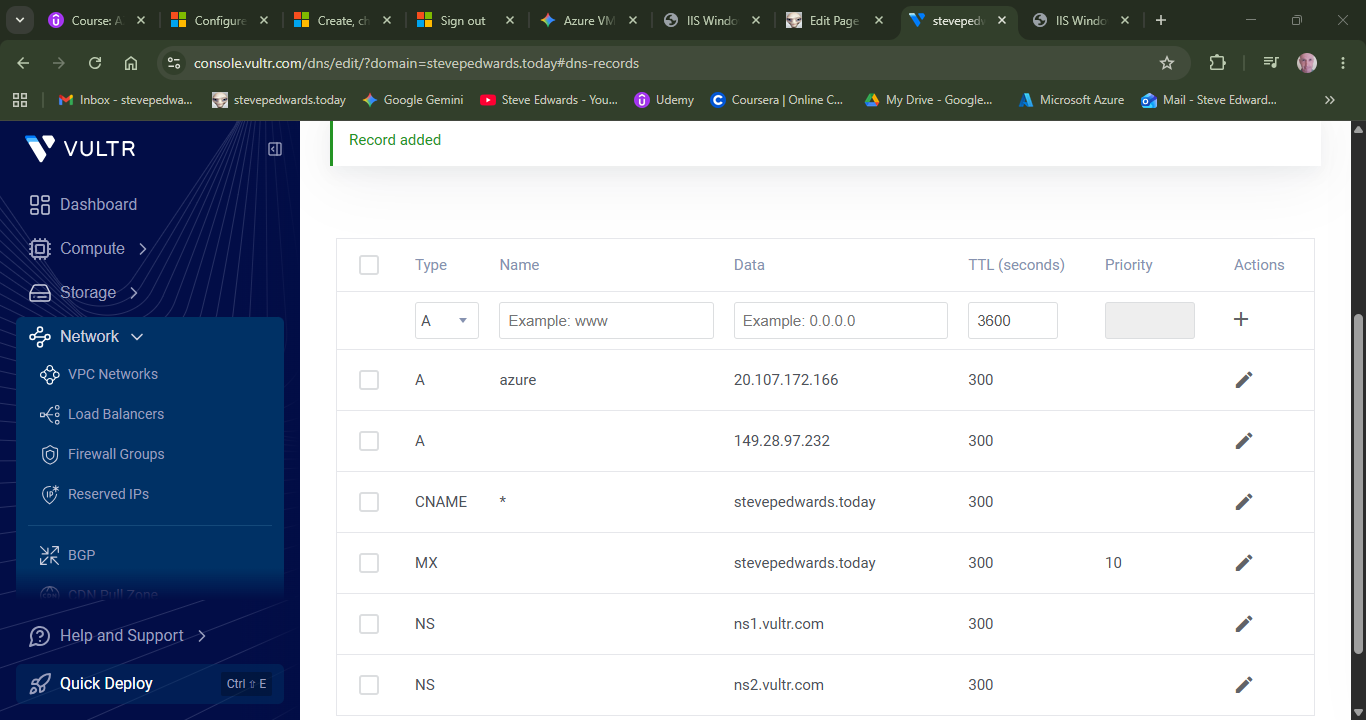
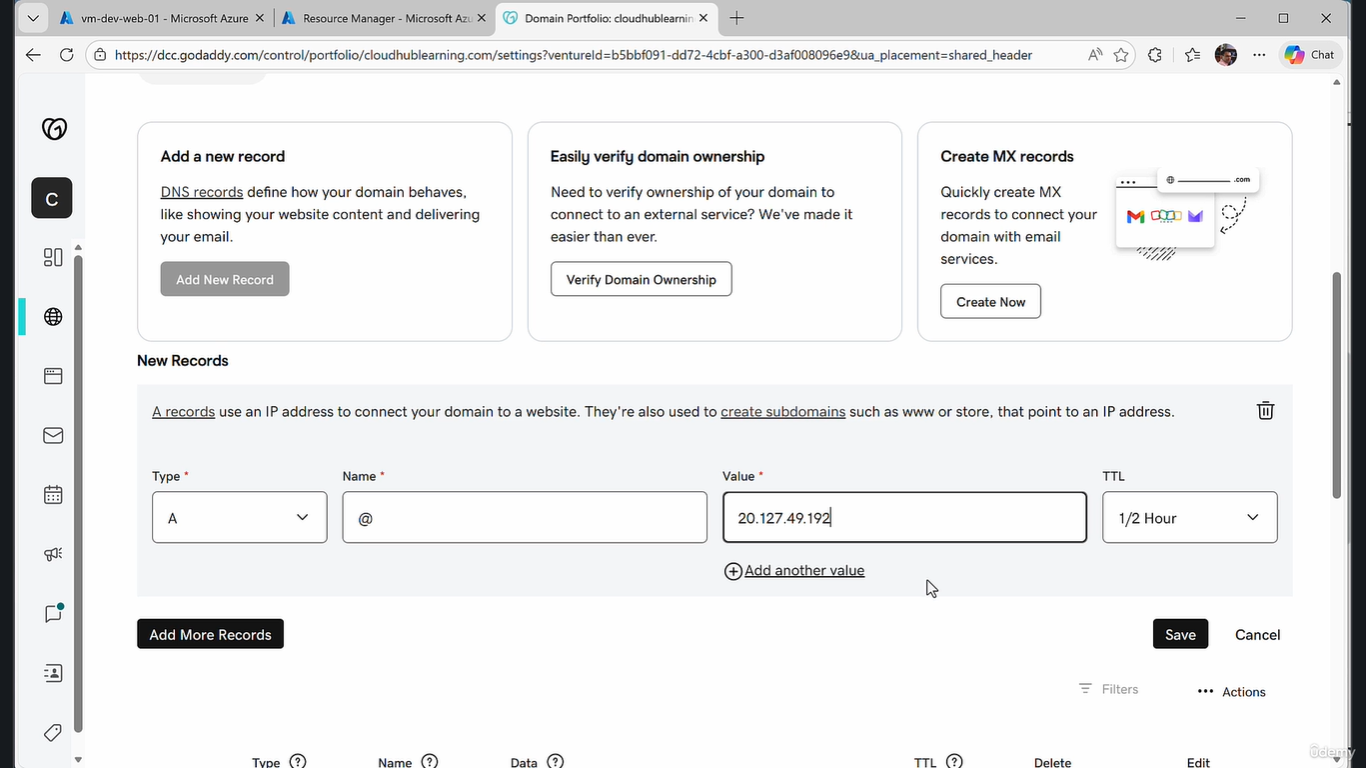
steve@baby:~$ nmap -Pn azure.stevepedwards.today
Starting Nmap 7.94SVN ( https://nmap.org ) at 2026-05-18 20:30 BST
Nmap scan report for azure.stevepedwards.today (20.107.172.166)
Host is up (0.11s latency).
Not shown: 998 filtered tcp ports (no-response)
PORT STATE SERVICE
80/tcp open http
3389/tcp open ms-wbt-server
Now I have a legit azure alias to test future DNS exercises via my main ISP site:
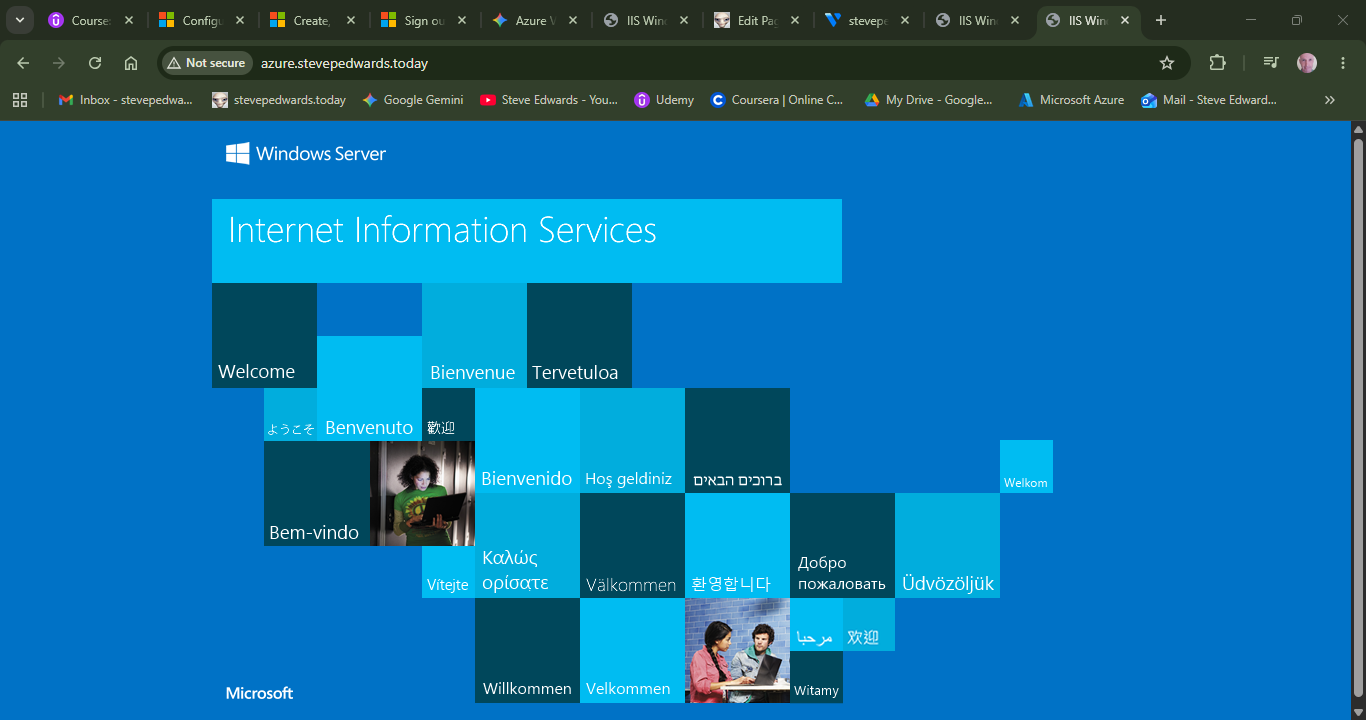
If you ever need to change a record and want to ensure you aren't fighting any local machine caching whatsoever while testing your Azure VMs, you can flush your local computer's DNS cache instantly via the terminal:
- On Windows (CMD / PowerShell):
DOS
ipconfig /flushdns
- On Linux (Ubuntu / WSL2):
Bash
sudo resolvectl flush-caches