Azure Bastion Exercise Summary
1. Purpose of the Exercise
The primary goal of this exercise was to demonstrate secure administrative access to virtual machines (Linux and Windows) without exposing them to the public internet. This mirrors a professional enterprise deployment where security takes priority over direct connectivity.
2. Why Bastion is Used
- Azure Bastion acts as a secure, managed gateway. In a traditional technician's setup, you might give a VM a Public IP to connect via SSH or RDP. However, in the 'Cloud-First' security model, Public IPs are considered vulnerabilities. Bastion is used to solve the following:
- Elimination of Public IPs: The VMs stay on a private 10.x.x.x subnet, making them invisible to external port scans.
- Reduced Attack Surface: No need to open Port 22 (SSH) or Port 3389 (RDP) on your corporate firewall or the VM's Network Security Group (NSG) to the internet.
- Secure Handshaking: Bastion only accepts traffic via SSL (Port 443) through the Azure Portal, ensuring only authenticated users can ever reach the management prompt.
3. Connecting via the Azure Portal ONLY
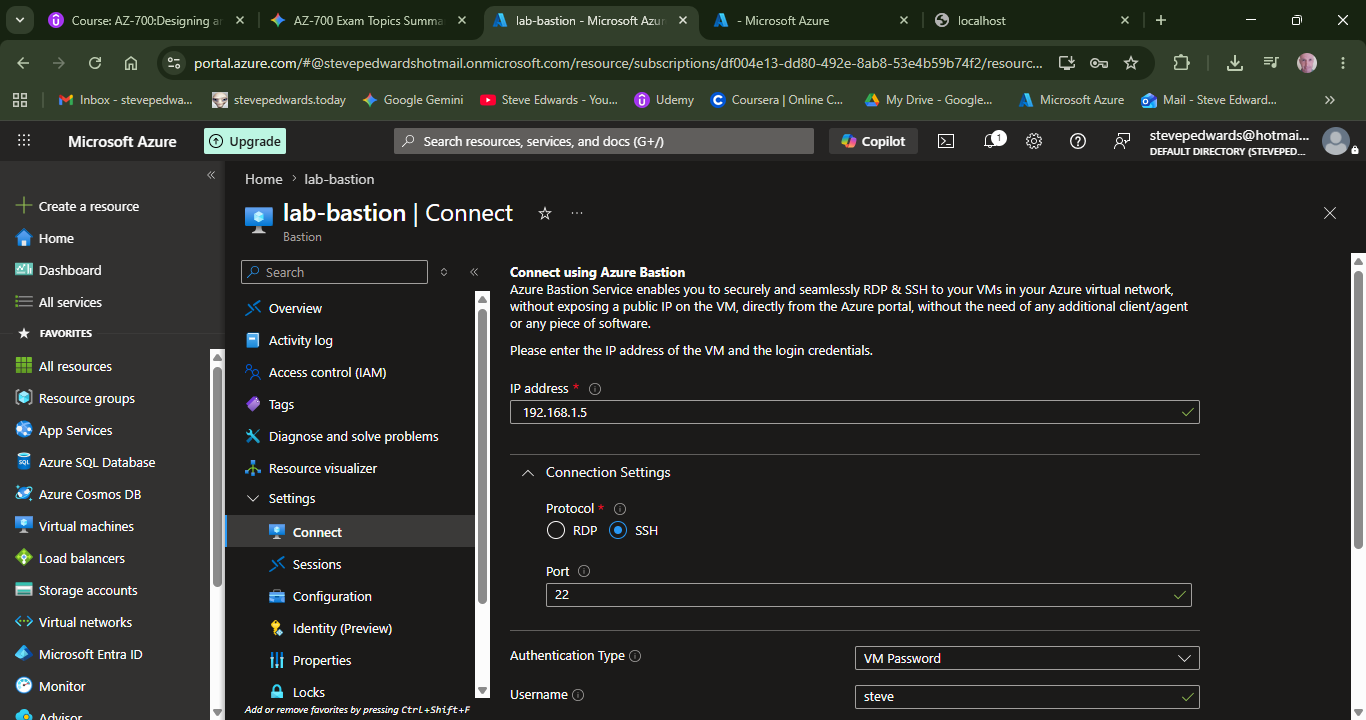
By using the 'Connect via Bastion' option in the Azure Portal, the browser becomes the terminal. This is the preferred method for the following security reasons:
| Security Control | Description |
| TLS Encryption | All traffic between your PC and the Bastion host is wrapped in HTTPS (Port 443). |
| Zero-Trust Access | The VM never sees your home IP; it only sees traffic coming from the internal AzureBastionSubnet. |
| No Local Tools | Connecting via the Portal means you do not need to manage SSH keys or passwords on your local machine, reducing the risk of credential theft. |
4. Conclusion for AZ-700 Learning
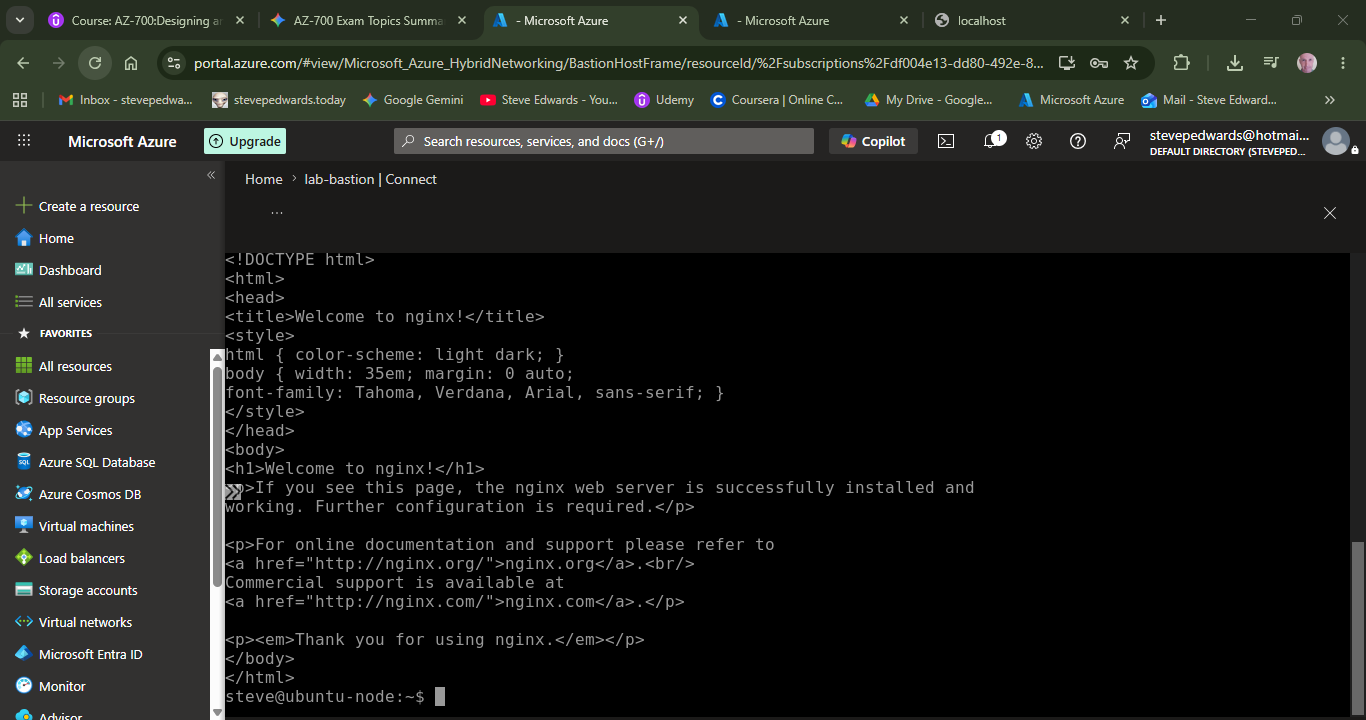
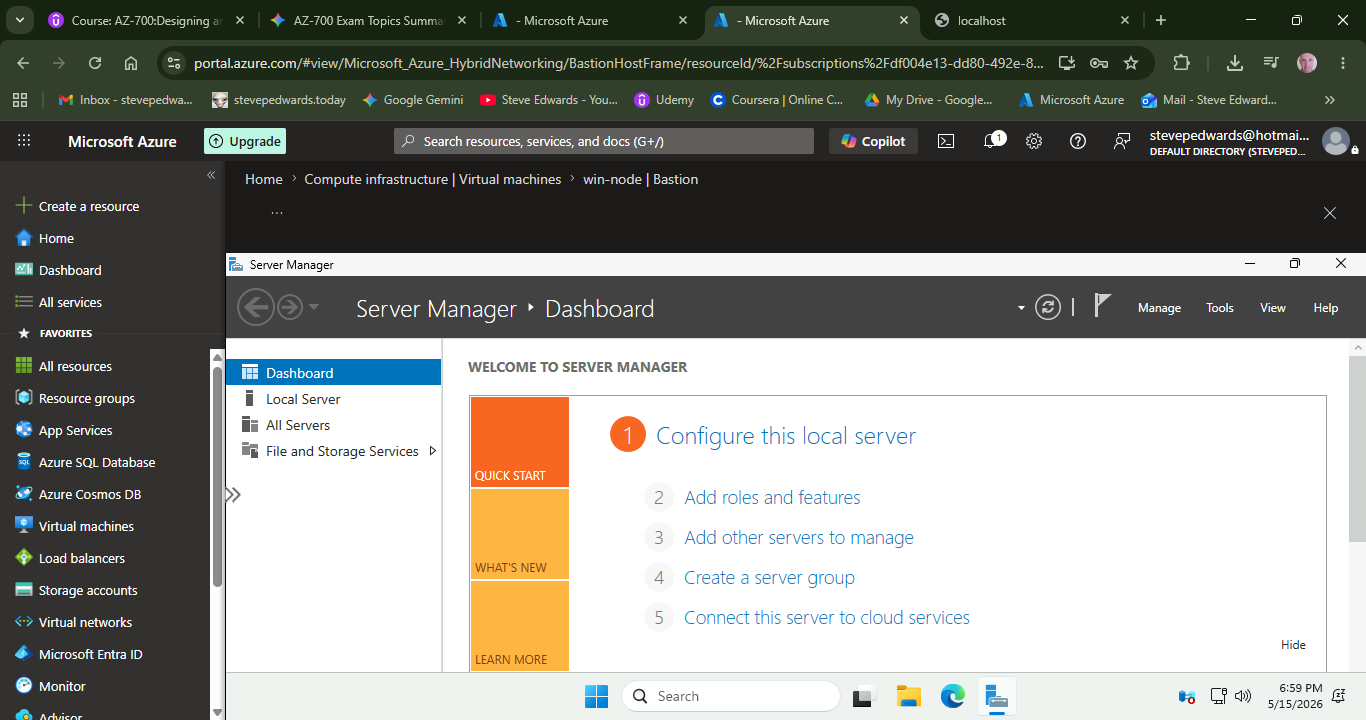
While it adds complexity, Bastion is the 'Golden Standard' for administrative isolation. For testing purposes (like installing NGINX or IIS), we manage the server through this private bridge. Once configured, the web traffic would typically be routed through a separate, hardened Load Balancer, keeping the management path and the user path completely separate.
Use the Connect drop menu to access the Linux or Win VMs: