 Admin 2008 -->
Admin 2008 -->
Admin 2008 -->
Asterisk PBX is an awesome PBX system, that is compatible with most industry standard and proprietary codecs (SIP, IAX2, MGCP, Skinny, H.323), for running at home (unlikely) or at the office (becoming very popular - if the 5M downloads claimed by www.asterisk.org is anything to go by). It is very customizable, but consequently complex in its capabilities, and as its the usual Linux text conf files, you need to be comfortable in that environment. A lot of program "code" type options exist though, that overcome the textual repetition that would have been required when programming many extension numbers, or common client requirements.
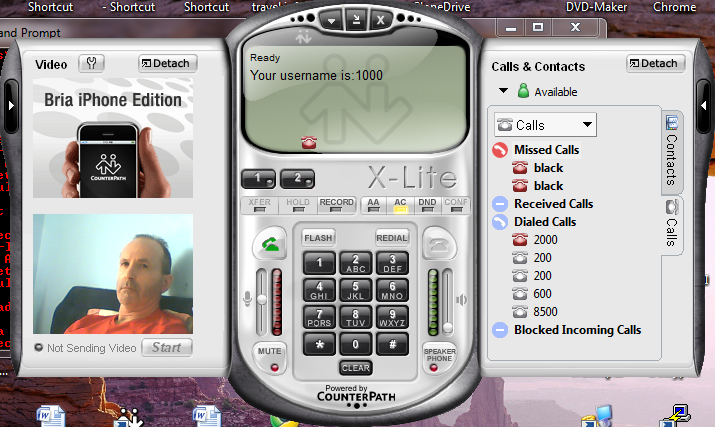
All is explained very clearly though, in the PDF book, at the main site documents page, with a great section (chapters 7+) on general telecomms history and technicalities - a good read in itself! Just work through the examples over a day or two to get the basics, and you should be able to connect 2 or more client PCs to each other via the Linux PBX, using SIP (Session Initiation Protocol) Softphones such as X-Lite and Zoiper. These are free, full featured screen "fones" available from:
which is a SIP and IAX protocols capable fone, and
http://www.counterpath.com/x-lite.html
I got both fone types calling each other, with webcam video, over a couple of days reading the PDF and pasting the basic examples into the relevant conf files I will cover below.
First, install Asterix. It is available from the Debian repositories:
# apt-get install asterisk
and read the man page as usual, for basci switch options like starting the daemon
# asterisk
If already running, you can connect / disconnect thus:
# asterisk -r
Asterisk 1.4.21.2~dfsg-3+lenny1, Copyright (C) 1999 - 2008 Digium, Inc. and others.
Created by Mark Spencer <markster@digium.com>
Asterisk comes with ABSOLUTELY NO WARRANTY; type 'core show warranty' for details.
This is free software, with components licensed under the GNU General Public
License version 2 and other licenses; you are welcome to redistribute it under
certain conditions. Type 'core show license' for details.
=========================================================================
This package has been modified for the Debian GNU/Linux distribution
Please report all bugs to http://bugs.debian.org/asterisk
=========================================================================
Connected to Asterisk 1.4.21.2~dfsg-3+lenny1 currently running on firewall (pid = 2809)
firewall*CLI> stop now
firewall*CLI>
Disconnected from Asterisk server
To get the cmd line interface with pretty colours:
# asterisk -vccc
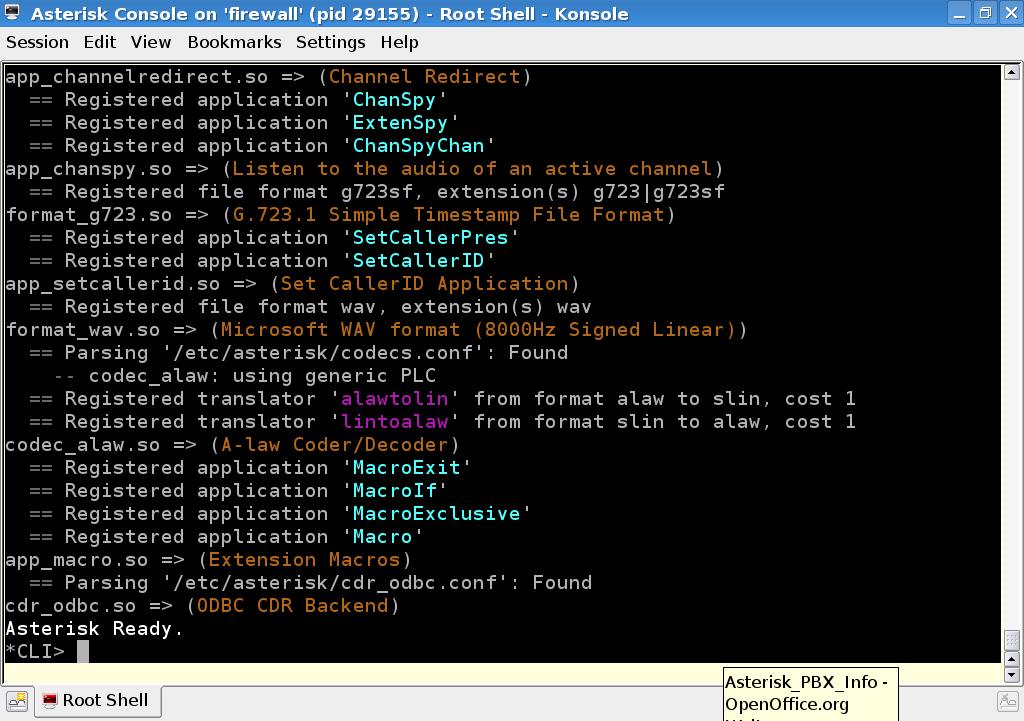
The PBX is configured with its default files, lots of, found in:
# ls /etc/asterisk/
adsi.conf enum.conf manager.conf rtp.conf
adtranvofr.conf esel.conf manager.d/ say.conf
agents.conf extconfig.conf meetme.conf sip.conf
alarmreceiver.conf extensions.ael mgcp.conf sip_notify.conf
alsa.conf extensions.conf misdn.conf skinny.conf
amd.conf features.conf modules.conf sla.conf
asterisk.adsi festival.conf musiconhold.conf smdi.conf
asterisk.conf followme.conf muted.conf telcordia-1.adsi
cdr.conf func_odbc.conf osp.conf udptl.conf
cdr_custom.conf gtalk.conf oss.conf users.conf
cdr_manager.conf h323.conf phone.conf voicemail.conf
cdr_odbc.conf http.conf privacy.conf vpb.conf
cdr_pgsql.conf iax.conf queues.conf watchdog.conf
cdr_tds.conf iaxprov.conf res_odbc.conf zapata.conf
codecs.conf indications.conf res_pgsql.conf
dnsmgr.conf jabber.conf res_snmp.conf
dundi.conf logger.conf rpt.conf
To get basic connectivity between 2 clients though, only the /etc/asterisk/extensions.conf, /etc/asterisk/sip.conf and /etc/asterisk/iax.conf files are needed at first, IAX only if you want to play with a zoipfone in IAX mode.
Linux "linphone" and many others are available to try also.
# apt-get install linphone
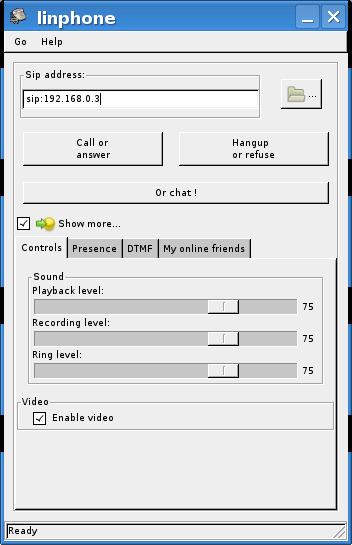
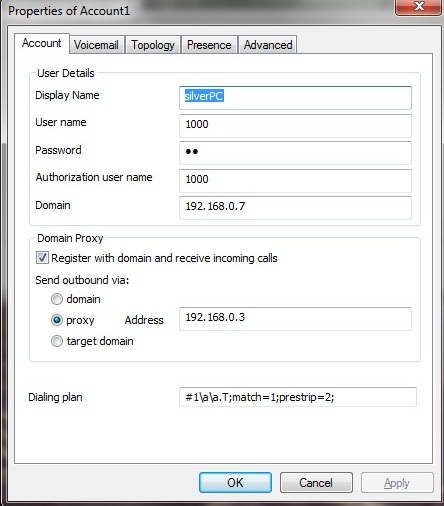
You need to "register" a softphone with the PBX before you can use it, by assigning parameters in the extensions and sip confs. As mine are already done for 4 extensions, Iĺ will just list the contents, and discuss the relevant parts, though this was all done reading the examples in the PDF.
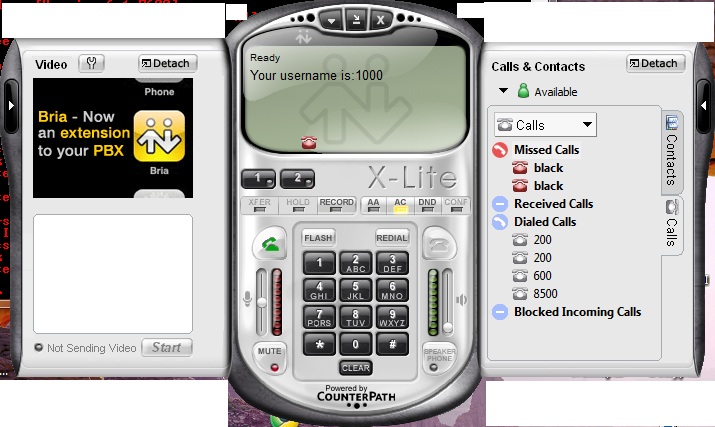
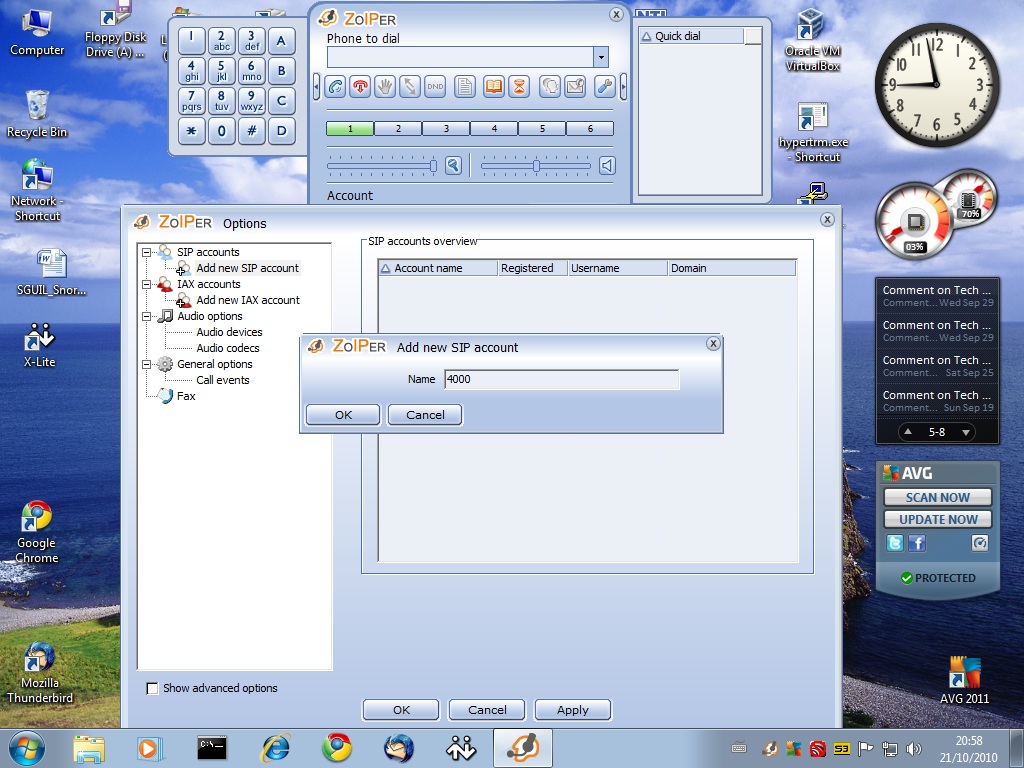
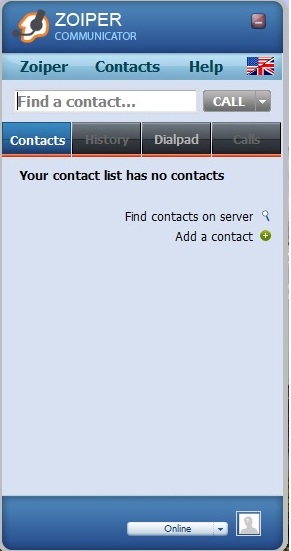
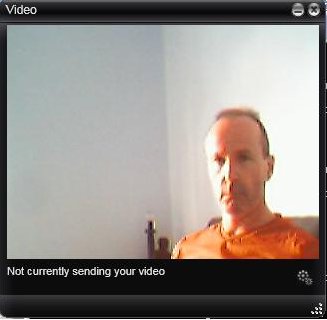
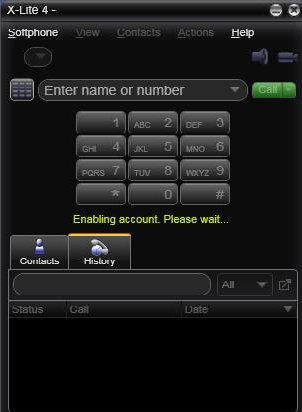
The softfones are configured via menus or right clicking, but first they nedd an account on the PBX.
A simple example extension numbered accounts for two clients, adding info into the sip.conf file:
[1000]
type=friend
username=1000
secret=1k
context=phones
host=dynamic
videosupport=yes
[2000]
type=friend
username=2000
secret=2k
context=phones
host=dynamic
After a config change, the PBX has to reload the files using the cmd:
CLI>reload
-- Reloading module 'cdr_odbc.so' (ODBC CDR Backend)
== Parsing '/etc/asterisk/cdr_odbc.conf': Found
The 'reload' command is deprecated and will be removed in a future release. Please use 'module reload' instead.
With only one client configured, the PBX can be dialled, as there are default parameters set in the extensions.conf file for numbers 500 and 600:
# vi /etc/asterisk/extensions.conf
[globals]
[general]
autofallthrough=yes
videosupport=yes
[phones]
include => internal
[internal]
; Create an extension, 500, for dialing the
; Asterisk demo.
;
exten => 500,1,Playback(demo-abouttotry); Let them know what's going on
exten => 500,n,Dial(IAX2/guest@pbx.digium.com/s@default) ; Call the Asterisk demo
exten => 500,n,Playback(demo-nogo) ; Couldn't connect to the demo site
exten => 500,n,Goto(s,6) ; Return to the start over message.
; Create an extension, 600, for evaluating echo latency.
;
exten => 600,1,Playback(demo-echotest) ; Let them know what's going on
exten => 600,n,Echo ; Do the echo test
exten => 600,n,Playback(demo-echodone) ; Let them know it's over
exten => 600,n,Goto(s,6) ; Start over
You can see the idea of “context” headers in this file aslo. This feature allows extreme customisation of clients groups based on specific critera, such as external calls groups etc.
This is explained clearly in the PDF.
For the clients to be able to call each other, they have to be assigned extension numbers to input to the softfones keypad. This can be any number you like, but it identifies the client by the number/SIP parameter set in extensions.conf:
;MY SOFTFONES
exten => 100,1,Verbose()
exten => 100,2,Dial(SIP/1000,5)
exten => 100,3,Hangup()
exten => 200,1,Verbose()
exten => 200,2,Dial(SIP/2000,5)
exten => 200,3,Hangup()
These are the most basic parameters that can be set for 2 client dialling, where the 100/200 is the extension number, and the 1,2,3 are the minimum requirements to make and end a call at each end, run in order.
The 5 is an optional parameter of 5 seconds to wait before another PBX option takes over if the call goes unanswered - an answer message option for example.
With two clients configured, 1000 on ext 100 and 2000 on ext 200, they can have a username set which shows up on each others screens, and shows the IP of the callng PC:
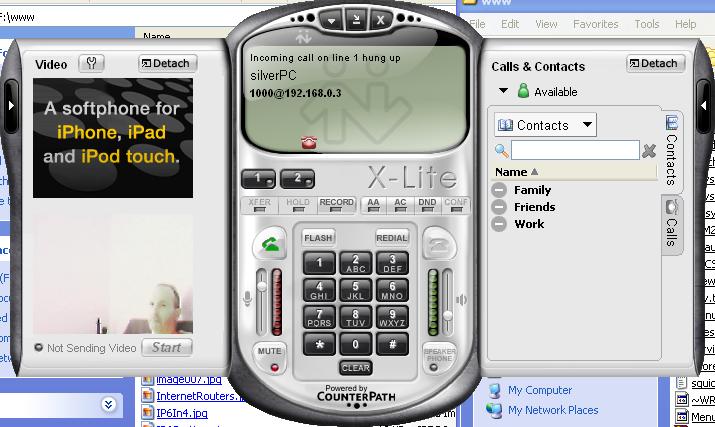
The clients should now be able to call each other on 100/200, see each others video, or call the PBX on 500/600 and follow the options.
Now you have scratched the surface of what Asterisk can do, you can explore it further, such as set and leave answer messages, configure PBX - PBX Internet connections, and tons more.
Many companies are now subscribing to dedicated VoIP ISPs, to take advantage of the low cost of business class phone services that VoIP can now offer over the Internet, as well as benefitting from the savings made from switching to a customizable internal PBX system.