Admin 2008 -->
Admin 2008 -->
Admin 2008 -->
Security Info - Wireshark
Wireshark (Ethereal) is a capable and complex packet capturing and analysis tool available as a free Open Source app for Linux and Windows.
Here is an example why you do not want to connect to any public network device, without encryption, such as an unsecured WiFi hotspot, and send your credit card details, passwords or PIN numbers in unencrypted clear text. This is an example using a Telnet connection to a switch:
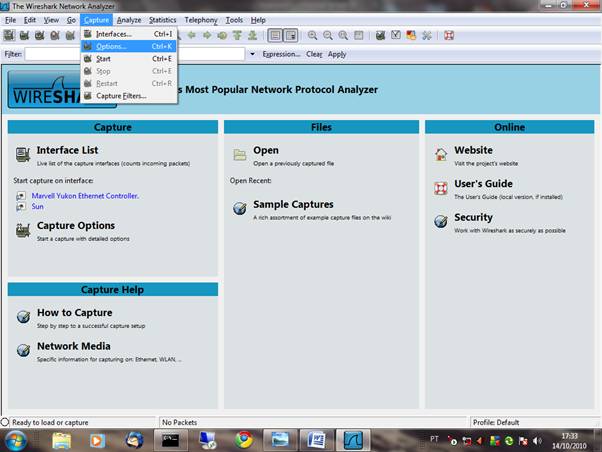
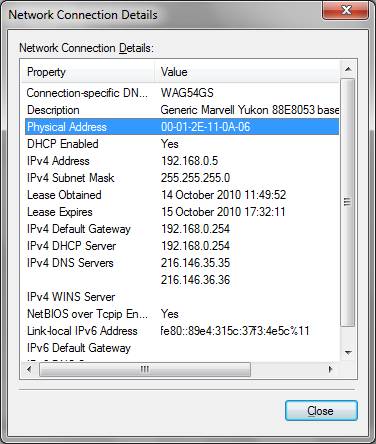
Open Wireshark in Windows or Linux and go to the Capture/Options menu and set the local LAN card for non promiscuous mode. The device shold be available in the drop down menu, if not type ether host xx:xx:xx:xx:xx for the MAC address of your card in the Capture Filter box you can get this from your Windows Net icon:
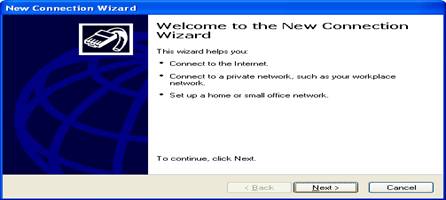
You can set a capture file if you want to save traffic for later analysis.
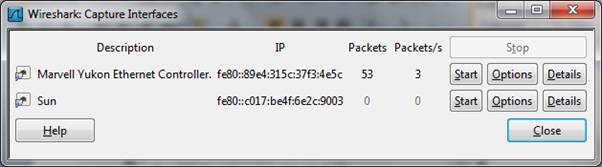
For now, set Wireshark capturing traffic in real time by opening Capture/interfaces and clicking Start:
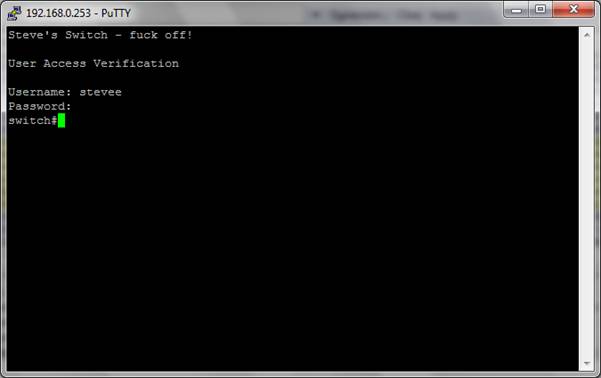
Immediately open the Telnet session to the switch using PuTTY or other App:
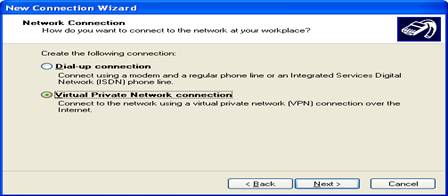
Stop the captures after login and view Wiresharks capture:
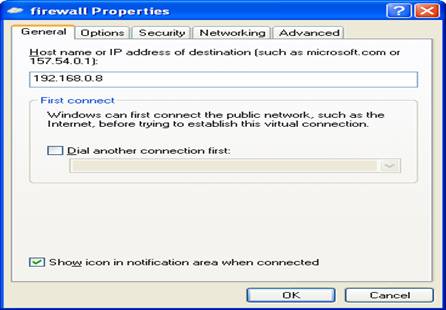
Click the first packet in the list at the top, and search for the first occurrence of the Telnet session in the Packet List using the search button (magnifier glass) icon, by its String:
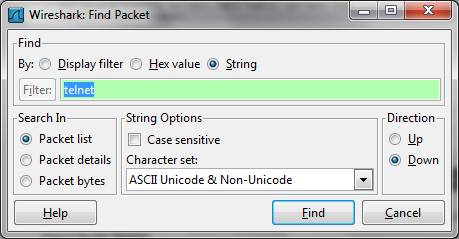
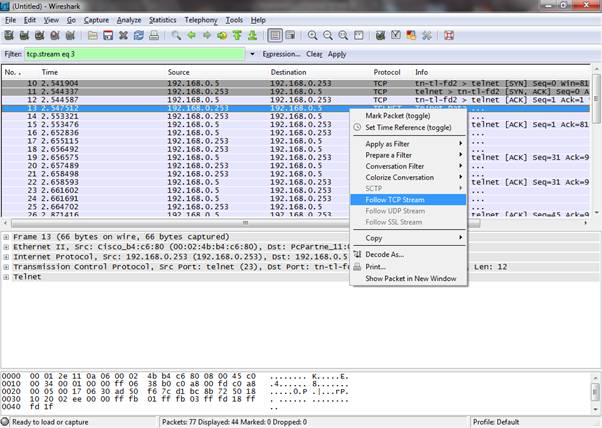
This will be found and highlighted and should be a SYN (synchronise request) packet from the host to the server (192.168.0.5 > 192,168,0,253:
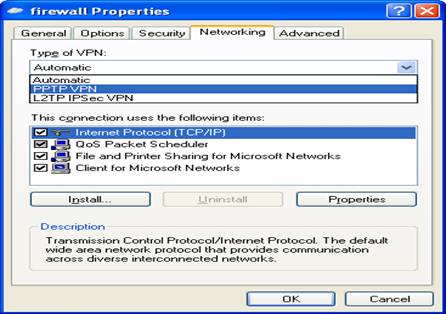
Right click the highlighted packet and follow TCP stream
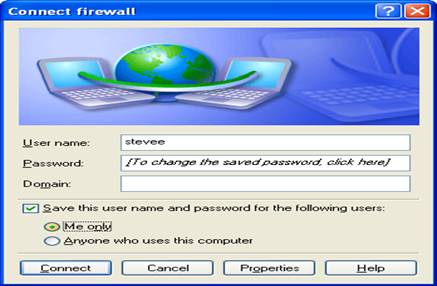
Here is the username and password for the session displayed in PLAIN TEXT (blanked out here of course):
The key point is that any unencrypted traffic can go across the system in PLAIN TEXT and be captured by anyone with a similar setup as above, eavesdropping on an insecure Wireless Access Point or connected to an insecure switch/hub port (Man in the Middle) on a wired network. I know of a Wireless App session at University, caught by Wireshark, that contained the name, password and credit card details of a college secretary, caught whilst shopping online this way AFTER she (and others) had already been warned that WiFi connection was insecure and not to use it for private or personal information!!
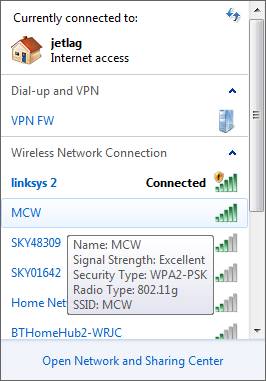
Remember this when you are at a cafe, airport etc. and accessing a free Wifi Hotspot, only use it if there is a password system involved to connect, and that your laptop tells you that it is encrypted somehow in Windows like MCW below, secured with WPA2-PSK encryption (WiFi Protected Access Pre-Shared Key) where the pre-shared key is a password required for access: